
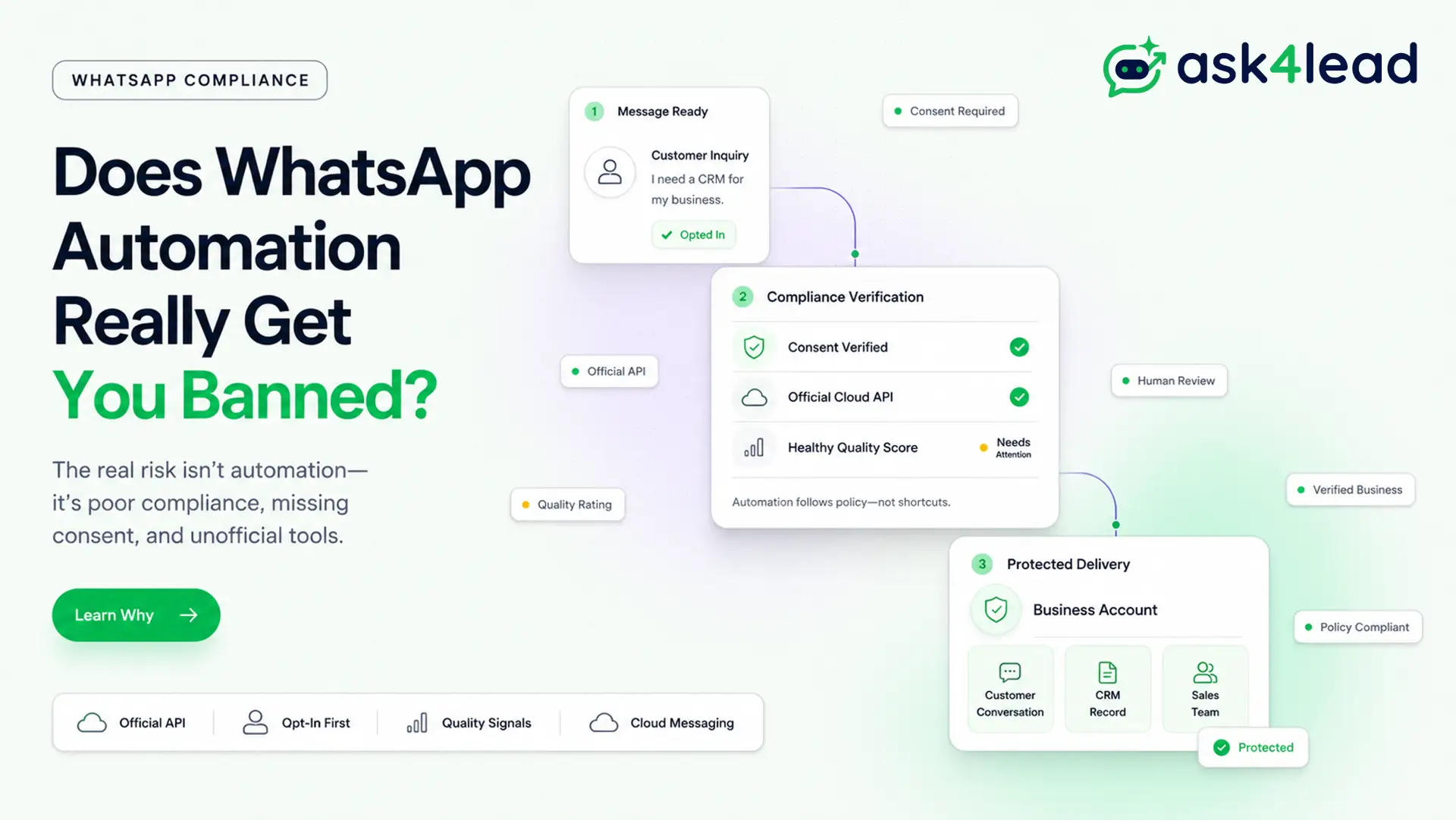
WhatsApp does ban accounts for automation. It almost never bans them for automating in the first place.
The real trigger is usually a personal number on an unofficial tool, missing opt-in, or a spike in blocks and reports.
Even the official WhatsApp Business API gets flagged when those signals slip.
Quick answer: a ban almost always traces back to 1 of 3 things: missing consent, a personal-number script, or a spike in blocks and reports. Fix those 3, and automation becomes one of the more reliable ways to run a WhatsApp Business account.
Key Takeaways
- Automation is not the violation. Consent gaps, unofficial tools, and ignored quality signals are.
- A ban can hit at 3 different levels: the phone number, the business portfolio, or the developer app.
- A personal number has no recovery path once flagged. The Cloud API has a documented tier system instead.
- Official API accounts still get restricted on message quality or opt-in issues, even with years of clean history.
- “The official API is broken” is a myth. Quality drops trace to that account’s own history, not a platform bug.
- A broadcast restriction and a full account ban are 2 separate penalties, and the broadcast one can be permanent.
What Actually Gets a WhatsApp Business Account Banned
A ban is a pattern match, not a single-message judgment.
Meta reads frequency, repetition, sequencing, and automation signals together, not just what 1 message says.
3 conditions tend to stack before a ban lands. Any 1 alone is often survivable; all 3 together rarely are:
- The recipient never opted in to receive messages.
- The sending tool sits outside Meta’s approved paths.
- The block-and-report ratio has started climbing.
A ban also doesn’t hit one uniform way.
Ask4Lead calls this the Ban Surface Model: a restriction lands at 1 of 3 surfaces, and each needs a different fix.
- Phone-number surface. Only that number stops sending, and it usually clears with a standard review.
- Business portfolio (WABA) surface. Every number under the business goes down together. Usually needs a business-verification check to clear.
- Developer app surface. Rarest and hardest to recover. Usually needs a fresh app ID, not just a review.
Example: a 3-location salon runs 1 shared number through the Cloud API. A staff member imports 300 old customer numbers into a broadcast list overnight.
Under the Ban Surface Model, that pattern typically produces a portfolio-level restriction, not a full account wipe, since every location shares 1 WABA.
Personal WhatsApp Number Automation vs the Official Business API
Two different systems get lumped together under “WhatsApp automation.” The ban math is not the same for either.
| Factor | Personal number + script | Official Cloud API |
| Sending limit | None set by Meta | 250 to unlimited, by tier |
| Review process | No formal path for businesses | Documented review + partner escalation |
| Recovery after a flag | Ban, unban, ban again | Quality rating climbs back over time |
| Built for | 1-to-1 personal chats | Business automation at scale |
1. Personal-number scripts and unofficial libraries
Tools like Baileys, WhatsMeow, and WAHA impersonate a real WhatsApp Web session on a personal number. That sits outside WhatsApp’s terms by design.
It produces bans even at ordinary volume, sometimes as low as 30 to 40 messages a day to people who haven’t messaged first.
2. The ban, review, unban, ban loop
The common pattern on a personal number is not 1 ban but a cycle:
- A restriction lands.
- A review reactivates the number for a few hours.
- 1 new message triggers the same block again.
Owners get locked out again within a day of every “successful” review. The underlying signal, not any single message, is what tripped the system.
3. Why switching devices, browsers, or a new SIM rarely fixes it
Deleting cookies, changing browsers, or disabling extensions almost never breaks the loop.
None of those change what WhatsApp actually reads: sending pattern and recipient response.
A fresh SIM sometimes resets a device-level flag that a browser reset never touches. The number carries the reputation, not the app or machine.
It only helps if warmed up slowly, not pointed at the old contact list on day 1.
Yes, the Official API Can Still Get You Banned
Being on the Cloud API, Meta’s own hosted platform, lowers ban risk. It does not remove it.
That’s the part most “just use the official API” advice skips.
4 patterns explain most of the surprise restrictions:
- Years of clean sending history do not count as immunity once a spam signal fires.
- Appeals often get auto-rejected by policy bots before any human reads them.
- An AI agent’s own pacing, not its content, can trip the same filters as spam.
- Sending templates before a brand-new number has any history reads as a risk signal on its own.
1. A 2.5-year clean history is not immunity
Accounts with years of steady, compliant sending have been hit with a spam restriction out of nowhere.
The automated review often rejects the appeal in under a minute. Tenure reduces the odds; it doesn’t remove the risk.
Migrating a WABA to a new provider carries its own version of this risk.
A clean migration, zero messages sent, has still triggered a false “scam” flag within hours, since a fresh connection reads as unproven.
2. Why appeals get auto-rejected before a human sees them
Most first-line reviews run through an automated policy check, not a person.
A well-run account can request a review, get rejected instantly, and still get no clear reason. Meta’s stated policy is not to disclose the specific trigger.
3. Chunked AI replies can look automated even when they are not spam
An AI agent that splits 1 answer into 2 or 3 quick messages, to feel more conversational, can trigger the same pattern as a bot blasting fragments.
This holds even with a healthy send-to-receive ratio and zero unsolicited messages.
The content is fine. The pacing is what reads wrong. Human approval before a reply sends catches this before it repeats at scale.
4. Why sending templates before the number is warmed up backfires
Create a template within minutes of connecting a brand-new number, then push volume right away. That template is the one most likely to land a “Low” score.
The fix is sequencing, not content.
Connect the number, let it carry ordinary 1-to-1 traffic for a few days, then submit templates and scale sending.
Messaging Tiers, Quality Ratings, and Broadcast Restrictions Explained
The Cloud API replaces guesswork with a documented ladder, based on Meta’s own messaging-limit rules.
1. How the tier ladder works
A messaging tier caps how many unique contacts a number can reach in 24 hours, and it climbs as sending quality holds steady.
| Messaging tier | Daily unique contacts | How you reach it |
| Unverified (Tier 0) | 250 | Default on every new number |
| Tier 1 | 1,000 | Business verification |
| Tier 2 | 10,000 | Consistent quality rating over time |
| Tier 3 | 100,000 | Sustained high quality at Tier 2 volume |
| Tier 4 | Unlimited | Long-term clean sending history |
Since late 2025, Meta re-evaluates tier eligibility roughly every 6 hours instead of daily. Every number inside 1 Business Manager shares the account’s highest available limit.
For the full contact-count breakdown against the 256-contact broadcast-app limit, see Ask4Lead’s guide to sending bulk WhatsApp messages without getting banned.
2. What a Yellow or Red quality rating actually freezes
A rolling 7-day score, shown as Green, Yellow, or Red, tracks blocks, spam reports, and engagement.
Yellow freezes the current tier. Red shrinks the limit outright, and the number stays capped until the pattern improves.
As of 2026, a Red rating no longer triggers an automatic downgrade. It opens a short correction window instead.
3. A broadcast restriction is not the same as an account ban
Adding many contacts to a broadcast list at once often disables only the broadcast feature. 1-to-1 replies keep working normally.
Meta’s own support language states plainly that it offers no appeal or review for this specific restriction.
That makes it functionally permanent, unlike a temporary account ban.
The Real Triggers Behind Most WhatsApp Bans
Strip away the platform-specific detail, and these 5 patterns explain most of the bans owners report:
- No opt-in. A saved contact, a form submission, or an inbound message all count as permission. A purchased list does not.
- A sudden volume spike. A number jumping from 20 messages a day to 2,000 overnight reads as compromised, even with real recipients.
- A high block-and-report ratio. A report rate as low as 2 to 3% of the contacted base has been enough to trigger a restriction.
- A young or unverified Business Manager. A new or low-activity Business Manager gets flagged more easily than an established, verified one.
- Multiple numbers under 1 brand. Running 4 to 5 numbers for sales, support, and marketing under 1 name reads as unusual.
Restricted industries add a wrinkle Meta rarely publishes clearly. Vaping, CBD, and gambling businesses are often denied official API access outright, even with consented, in-store opt-in customers.
That leaves only the free Business App’s stricter ceiling, or WhatsApp Communities and Channels.
A shared team inbox on 1 verified number, instead of multiplying numbers, keeps the sending pattern easier to track.
Common Myths About WhatsApp Bans, Corrected
Owners troubleshoot bans with a lot of half-true advice from developer and operator communities.
4 of the most common claims don’t hold up against how Meta’s detection actually works:
| Myth | What’s actually true |
| Typing indicators and “seen” receipts make a bot look human enough to avoid detection | Detection reads opt-in status and report ratio, not on-screen realism. A bot can still get flagged messaging people who never opted in. |
| The official API is fundamentally broken or unreliable for template quality | Quality drops trace to that account’s own setup and history. Businesses running hundreds of WABAs without this issue are the better evidence. |
| A ban is permanent, with no way back | Recovery depends on which Ban Surface Model layer got hit. A number-level flag often clears with review; portfolio- or app-level flags are harder. |
| Sending more messages is what triggers a ban | The ratio and the change matter more than raw volume. Thousands of wanted messages a day is safer than a jump from 20 to 500 overnight. |
Correcting these matters beyond satisfying curiosity.
Businesses acting on the typing-indicator myth spend effort disguising a bot instead of fixing the real opt-in gap putting the number at risk.
Meta’s 2026 AI Policy: What It Actually Restricts
Meta updated its WhatsApp Business Solution Terms effective January 15, 2026.
The update bars general-purpose AI chatbots.
That means the kind built to answer literally anything a user types, like a general assistant.
General-purpose chatbots vs task-specific AI agents
Meta has confirmed to reporters that this does not affect businesses using AI to serve their own customers, like answering catalog questions or booking appointments.
The dividing line is scope, not the presence of AI itself.
What a compliant WhatsApp AI agent looks like
A compliant setup starts every conversation from an opted-in lead, and keeps replies grounded in the business’s own information, not open-ended general knowledge.
AI grounded in the business’s own knowledge base is what keeps an agent inside the task-specific category the policy allows.
The handoff mechanics matter as much as the pitch.
A workable setup flags each conversation as bot-handled or human-handled. The moment a rep steps in, the AI stops replying to that thread.
That’s how 1 number runs bot and human replies side by side, without 2 conflicting answers reaching the same customer.
How to Automate WhatsApp Without Getting Banned
7 habits separate accounts that run automation for years from accounts that get flagged inside a month.
The 7-step compliance checklist
- Get explicit opt-in first. A saved contact, a signup form, or an inbound message all count. A purchased list does not.
- Automate through the Cloud API, not a personal number. It is the only path with a documented recovery mechanism.
- Warm the number up before scaling. Let it carry ordinary 1-to-1 traffic for a few days before submitting templates.
- Pace new conversations instead of bursting them. 1 to 4 outbound messages an hour per active chat is workable.
- Use approved message templates outside the 24-hour reply window, and free-form replies inside it.
- Personalize instead of pasting identical text. Even 1 varied field changes how a message reads to WhatsApp’s spam systems.
- Watch the quality rating weekly, using account health monitoring and reporting and analytics.
What to do if a restriction has already landed
Recovery starts with identifying which Ban Surface Model layer got hit, then working that specific fix.
- Check whether the restriction is account-wide or limited to broadcasting. The fix differs for each.
- Stop adding new contacts in bulk while a review is pending. Normal-looking activity mid-review can still read as a repeat violation.
- On the official API, escalate through a registered technology partner or a direct support case. It reaches a human faster than a generic in-app appeal.
- Keep an audit trail of every send and reply ready to attach to that escalation.
- Treat a new number as the last resort, since it costs every saved contact who has to be told about the change.
A 60 to 90-day cooldown before a restricted number works again gets cited often in operator circles.
Meta has never confirmed that figure publicly. Treat it as a common rule of thumb, not a guarantee.
Building this correctly from the start is faster than untangling a restriction later.
Ask4Lead runs its AI sales agent on the official Cloud API through Meta’s Embedded Signup.
It holds a plain-English conversation instead of a fixed button menu, and hands the sales team a lead with the actual problem attached, not just a name and number.
Try it on your own number
Sign Up Free: 100 AI Credits and connect a real WhatsApp number through the official API. No script, no personal-number risk, no library to maintain.
FAQs
1. Is WhatsApp automation illegal?
No. It can violate WhatsApp’s terms of service if it skips opt-in or uses an unofficial tool. That’s a policy issue, not a legal one.
2. What is a WhatsApp quality rating?
A rolling 7-day score based on blocks, spam reports, and engagement, shown as Green, Yellow, or Red. A low rating caps the messaging tier.
3. Can an official WhatsApp Business API account still get banned?
Yes. Cold contact lists, missing opt-in, or a spike in spam reports can restrict an API account too, even one with years of clean history.
4. Is a broadcast restriction the same as a full account ban?
No. A broadcast restriction usually disables only bulk campaign sending while 1-to-1 replies keep working. Meta offers no appeal for it today.
5. Can I use AI chatbots on WhatsApp without breaking Meta’s 2026 rules?
Yes, if the AI handles 1 specific business task instead of open-ended conversation, like Ask4Lead’s AI sales assistant.
6. Does changing my number fix a ban?
Sometimes, but only if the new number is warmed up slowly. Pointing it at the same contact list on day 1 tends to reproduce the restriction within hours.
7. Do typing indicators or “seen” receipts help avoid a ban?
No. They make a bot feel more human to the recipient, but detection runs on opt-in status and report ratio, not on-screen realism.
Conclusion
Automation is not what bans a WhatsApp Business account.
A personal-number script, cold messaging with no opt-in, and an ignored quality signal are. All 3 are fixable before they turn into a restriction notice.
Get opt-in right, automate through the Cloud API instead of a personal number, and watch the quality rating every week, not only after something breaks.
Do that consistently, and automation becomes one of the steadier ways to run WhatsApp at scale.
Ask4Lead’s full feature set is built for exactly that path: the official Cloud API from day 1, a plain-English AI agent instead of a button menu, and human approval on every send.
That combination is what keeps a number growing through the tiers, instead of stuck defending itself.
Have a question about your own setup?
Chat with Ask4Lead on WhatsApp and get a straight answer on whether your current setup is at risk, before you scale it further.
