
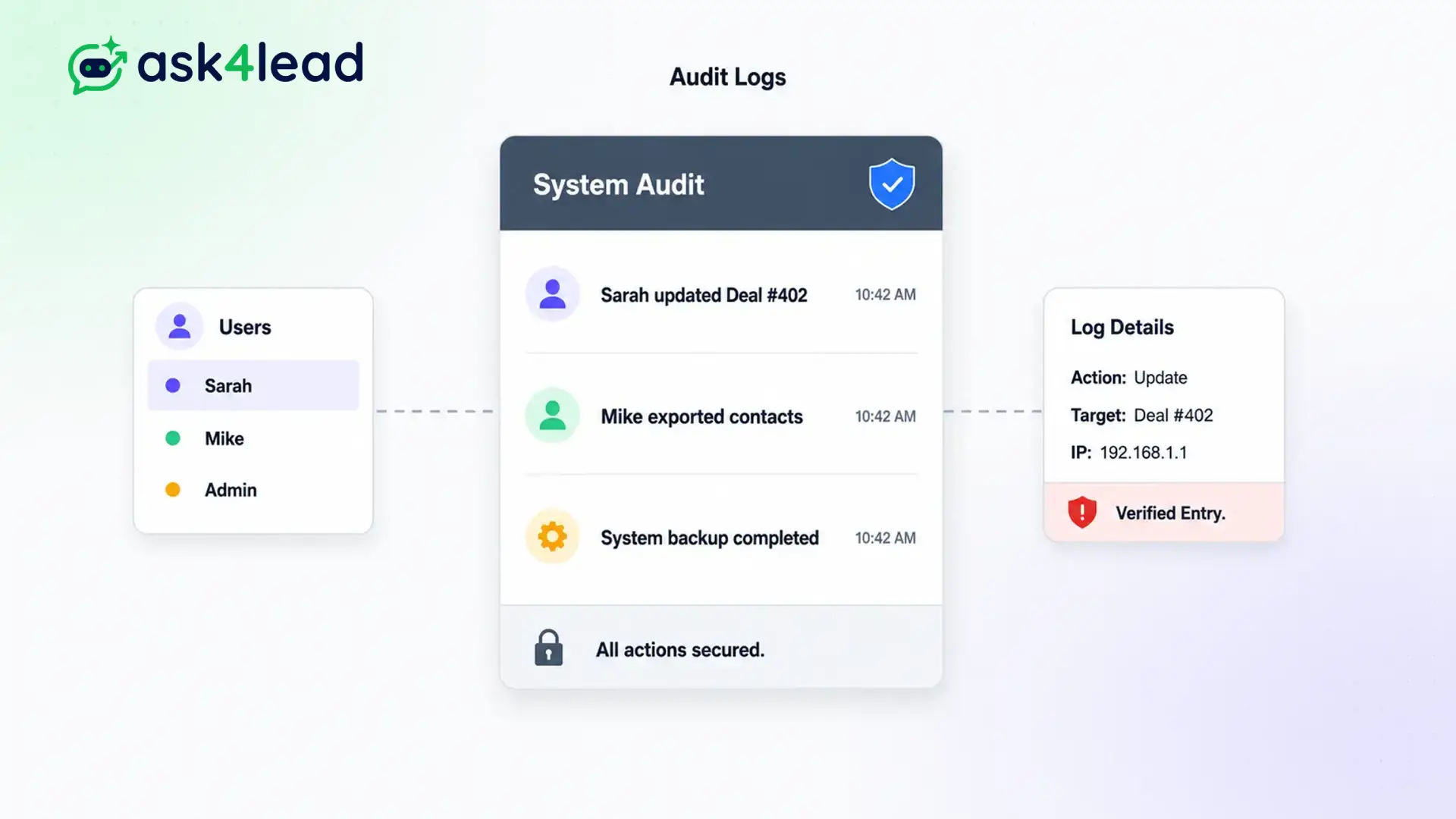
Without an audit trail, managers waste hours investigating mistakes and pointing fingers.
Track every status change, every approved AI draft, and every manual edit. You always know exactly who did what, and precisely when they did it.
Our system creates an unalterable history of the entire customer journey that junior agents cannot delete.
Eliminate guesswork. Enforce total transparency.
Why You Need WhatsApp CRM Audit Logs
When multiple agents share the same inbox, chaos usually follows. Someone replies to a VIP client with incorrect information, and no one admits to doing it.
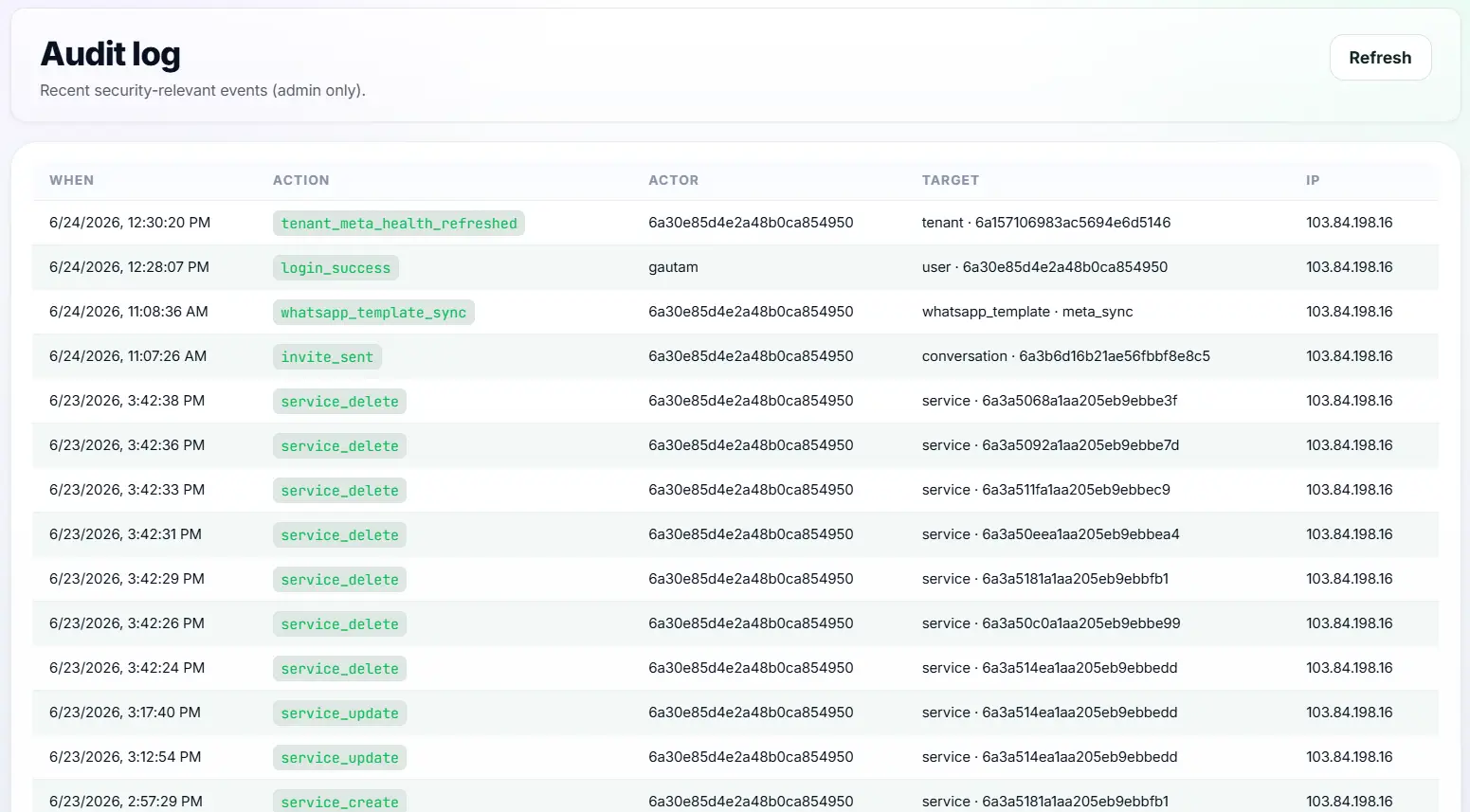
The audit log acts as an invisible security camera for your CRM. It silently records every single action taken by every user and timestamps it automatically.
This creates an unalterable history of the entire customer journey.
Stop Finger-Pointing in Your Sales Team
Without an audit trail, managers waste hours investigating mistakes. “Who moved this deal to Closed Lost?” “Who told the customer we offer a 50% discount?”
This lack of accountability destroys team morale and costs the business money.
Key Insight: Ask4Lead logs every action permanently. If an agent changes a deal value or approves a bad AI message, their name is attached to that action forever. Finger-pointing ends immediately.
How to Read the Audit Timeline
Finding out what happened takes only one click:
- Open the lead: Click on any customer profile in your CRM.
- View the timeline: Look at the chronological feed in the center of the screen.
- Identify the action: See system events like “Deal stage changed to Negotiation.”
- Identify the user: See the exact name of the agent who made the change.
- Check the timestamp: See the exact date and time the action occurred.
Core Capabilities of the Audit System
Our logging feature is built for strict managerial oversight:
- Tracks exactly who sent a manual WhatsApp message from the shared inbox.
- Logs who approved or edited a drafted reply from the AI Sales Assistant.
- Records every pipeline stage change, including who moved the card.
- Timestamps every internal private note left by a team member.
- Logs who assigned a conversation to a different agent.
- These records are permanently attached to the lead profile and cannot be deleted by standard agents.
Standard WhatsApp vs. WhatsApp CRM Audit Logs
| Standard WhatsApp Web | Ask4Lead WhatsApp CRM Audit Logs |
| Impossible to tell which agent replied | Every sent message tags the specific agent’s name |
| Agents can delete sent messages | Audit logs cannot be deleted or manipulated |
| No tracking of pipeline changes | Full historical record of all deal value updates |
| Disputes rely on memory | Disputes resolved instantly via unalterable data |
How Logs Connect to Your CRM Workflow
The audit trail is populated heavily by the User and Role Management system. It tracks actions taken in the Shared Team Inbox and logs every time an agent resolves a task in the Work Queue.
- User Management: Provides the specific identities attached to every logged action.
- Shared Team Inbox: The primary location where agents generate the actions being logged.
- Work Queue: The system logs exactly when an agent completes a scheduled follow-up.
Teams That Rely on Audit Trails
- Sales Managers use the logs to figure out why a high-value prospect suddenly stopped replying.
- Customer Support Leads use it to ensure agents are not ignoring complex tickets.
- Compliance Officers in healthcare or finance use the logs to prove that specific legal disclosures were sent.
- Agency Owners use the logs to prove to their clients that leads are being worked aggressively.
FAQs
Can an agent delete an entry from the audit log?
No. The audit timeline is immutable. Once an action is taken and recorded, standard agents cannot alter or delete the history.
Does it track the AI’s actions too?
Yes. If the AI Sales Assistant sends an automated message, the timeline logs it as an action taken by “AI Assistant.”
How do I see who sent a specific message?
Inside the chat window, a tiny avatar or name tag appears next to every outgoing message, showing exactly which human agent pressed send.
Does the log track internal notes?
Yes. When an agent leaves a private yellow note (e.g., “This customer seems angry”), it is permanently timestamped in the timeline.
Can I export the audit log?
Currently, the chronological audit log is best viewed interactively inside the CRM to maintain the full context of the conversation.
How long are the logs kept?
Ask4Lead stores your conversation history and audit logs securely in the cloud for the lifetime of your active subscription.
Related Features

Multi-Tenant CRM Workspaces
Deploy a multi user WhatsApp CRM workspace. Your team gets a centralized URL to collaborate on leads and close deals without limits.

User and Role Management
Your junior sales reps do not need access to your billing settings. Ask4Lead secures your business with CRM role based access controls.

Self-Serve Organization Registration
Our client onboarding automation allows marketing agencies to launch new client CRM workspaces instantly, with zero manual setup.