
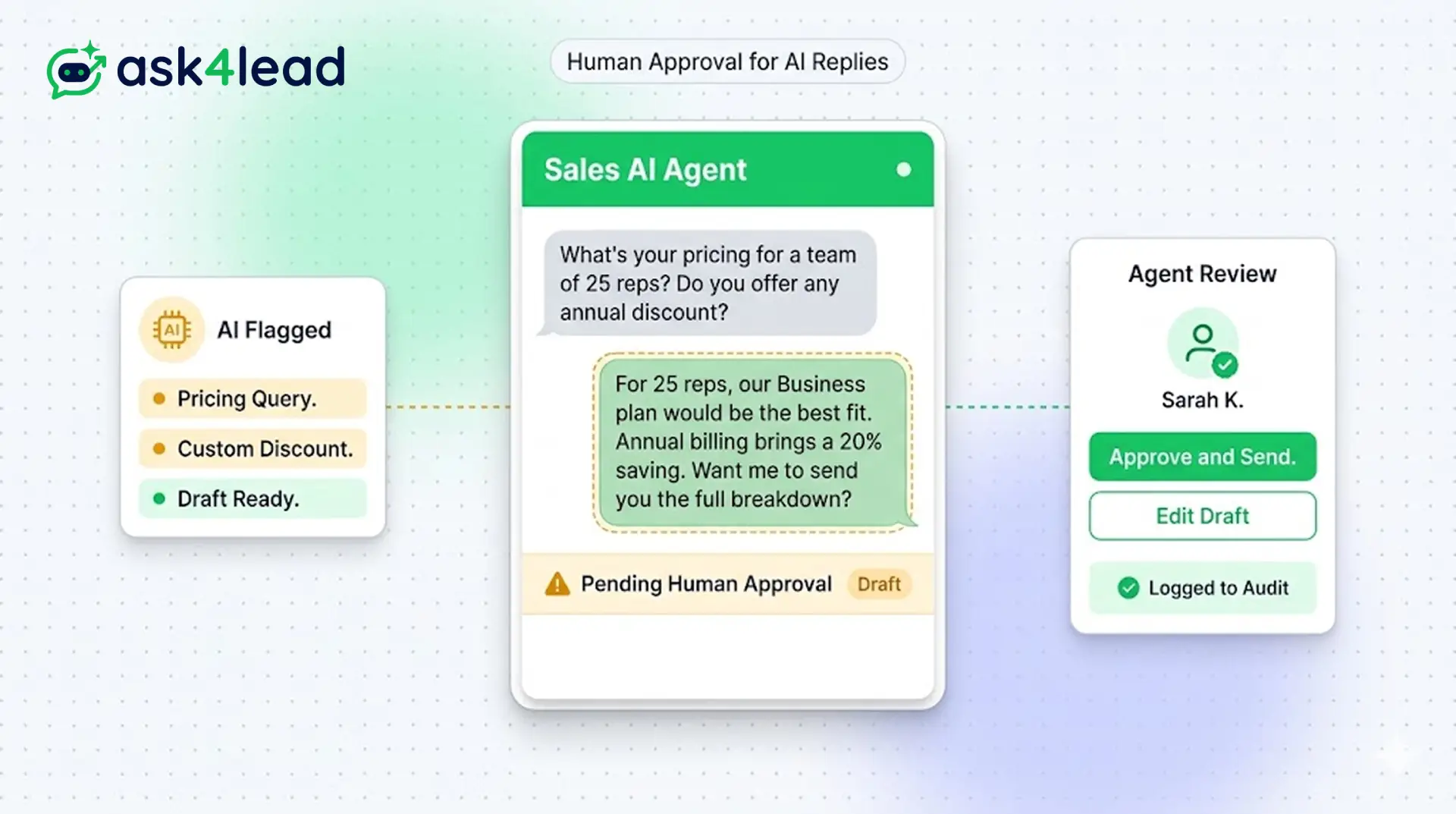
The biggest fear with automation is that a bot might send an embarrassing or incorrect message to a high-value lead.
When an AI is unsure, it drafts a reply and waits. A human agent reviews the draft and approves it. Your brand reputation is never at risk.
This gives you the speed of AI combined with the safety of a human review layer.
Never send a wrong message. Review AI drafts instantly.
Why You Need Human Oversight for AI
The biggest fear with AI is sending an incorrect message. Ask4Lead eliminates this risk entirely.
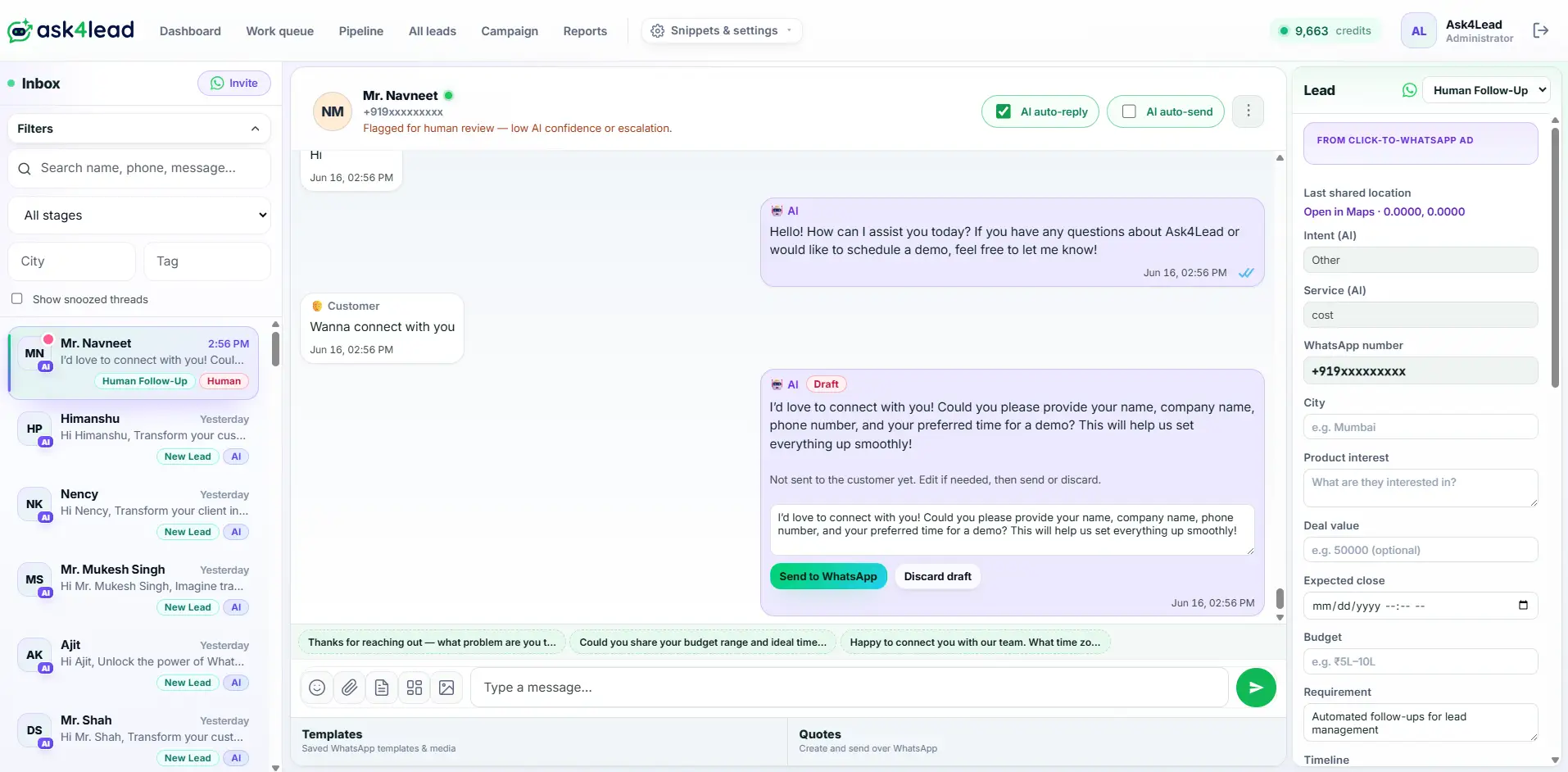
Whenever the AI faces a complex query, it generates a draft. This draft goes into the Work Queue. A human agent reviews it and clicks approve.
You get the speed of AI with the safety of a human agent. Your customers receive fast, accurate answers.
Stop Rogue AI Bots from Ruining Your Brand
Many WhatsApp chatbots try to answer everything. When they guess wrong, they frustrate customers.
This leads to lost deals and a damaged reputation. Customers hate receiving incorrect or confusing information.
Key Insight: Ask4Lead acts as an assistant, not an autonomous bot. It pauses when uncertain. A human reviews the draft, ensuring 100% accuracy every single time.
How Human Approval Works, Step by Step
Ask4Lead follows a strict safety protocol for every conversation:
- Detects uncertainty: The AI analyzes the incoming WhatsApp message. It flags low-confidence answers automatically.
- Drafts the reply: The system writes a suggested response. It bases this draft on your knowledge base.
- Holds for review: The draft enters the pending Work Queue. The customer sees nothing until approved.
- Human edits: An agent reviews the draft. They can tweak the wording or rewrite it completely.
- Approves and sends: The agent clicks approve. The message sends instantly over WhatsApp.
Core Capabilities of Human Approval
Our approval system gives you total control over outbound messaging:
- You can force approval for every single AI reply. This is perfect for training new accounts.
- The AI automatically detects complex pricing queries. It flags these for a human manager.
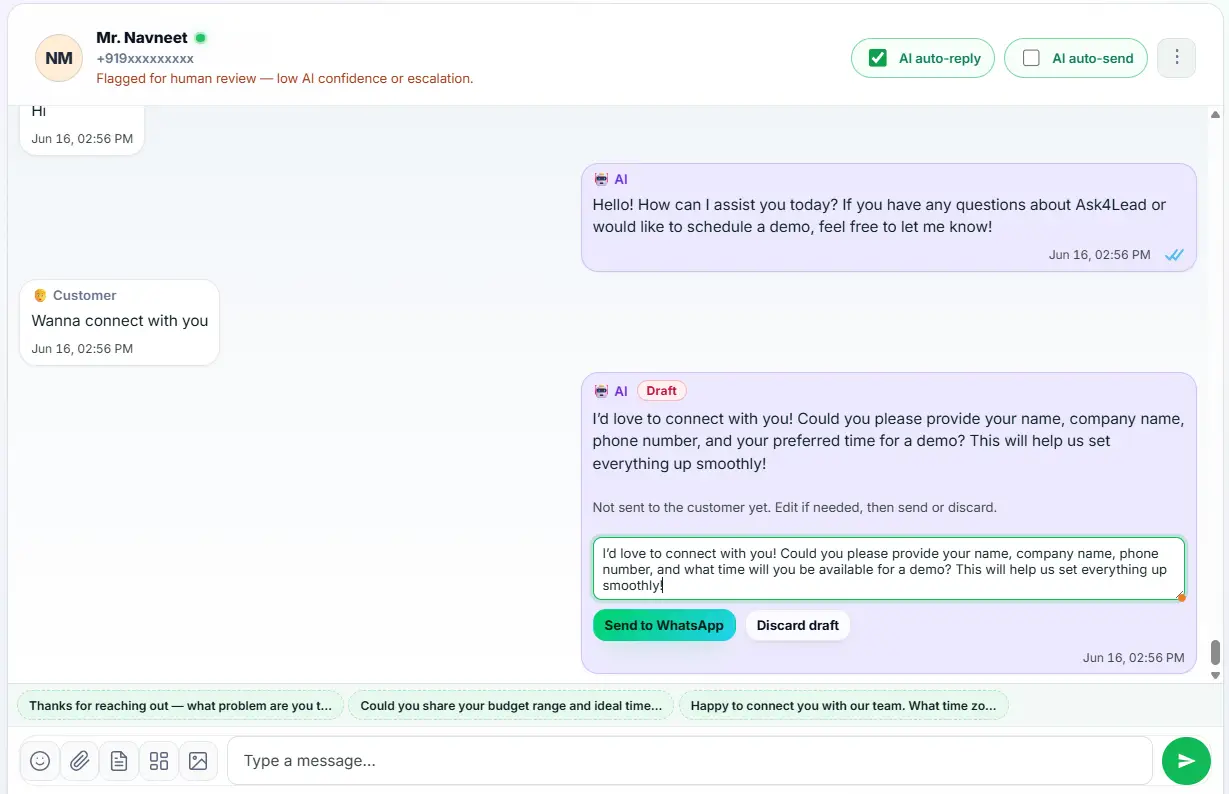
- Agents can edit the drafted text directly. They don’t need to type from scratch.
- You can discard bad drafts with one click. The agent can then reply manually.
- Every approval action logs the agent’s name. This ensures total team accountability.
- You can toggle approval rules on or off per conversation. This provides maximum flexibility.
Human Approval vs. Fully Autonomous Bots
| Fully Autonomous Bots | Ask4Lead’s Human Approval |
| Guesses answers when confused | Pauses and drafts a reply for human review |
| Shares incorrect pricing easily | Flags pricing questions for manager approval |
| Damages customer trust | Ensures 100% accuracy and brand safety |
| No way to intercept a bad reply | Agent can edit the draft before sending |
How Human Approval Connects to Your CRM
The approval process integrates deeply with the Work Queue. Every pending draft appears in a central list. Agents clear this list daily to keep the Sales Pipeline moving smoothly.
- Work Queue: View all pending AI drafts in one organized daily list.
- AI Sales Assistant: Generates the natural language drafts waiting for your approval.
- Audit Logs: Track exactly which agent approved or edited a specific message.
Industries That Rely on Human Approval
- Healthcare clinics use it to verify sensitive medical answers. A doctor checks the draft before the patient receives it.
- B2B agencies use it for high-ticket sales. Managers approve custom pricing quotes before sending them.
- Real estate teams use it to confirm property availability. Agents verify the AI’s data before promising a viewing.
- Financial services use it to ensure compliance. Every AI statement passes strict human review.
FAQs
Do I have to approve every single message?
No. You can configure the system to only flag low-confidence replies. The AI handles simple FAQs automatically. It only pauses for complex inquiries.
Can I edit the draft before sending it?
Yes. The draft appears in a text box. You can tweak a few words or rewrite it entirely. You have full control over the final message.
Does the customer know the AI is paused?
No. The customer simply experiences a slight delay. They receive a highly accurate, personalized response shortly after.
Who can approve these messages?
Any agent assigned to that specific conversation can approve the draft. You can also restrict approval rights to managers using role settings.
How do I know a message needs approval?
Pending drafts appear immediately in your Work Queue. You also see a visual alert in the shared team inbox.
Can I turn human approval off completely?
Yes. Once you trust the AI’s accuracy, you can disable the mandatory approval step. The AI will then reply autonomously.
Related Features
AI Sales Assistant
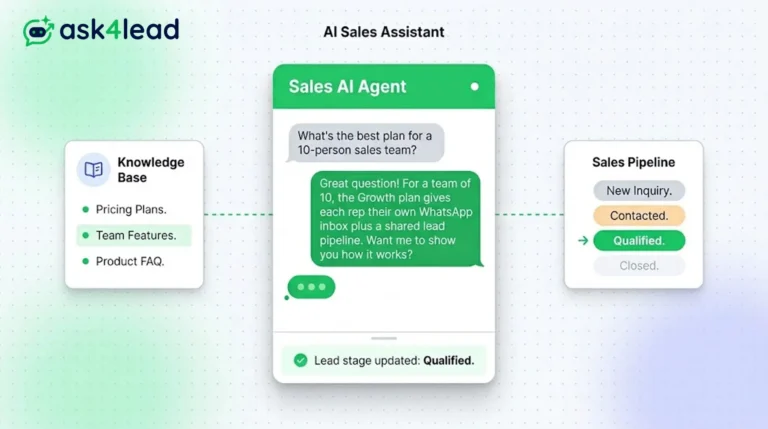
Our AI Sales Assistant reads WhatsApp messages, checks your knowledge base & replies 24/7 turning every chat into a qualified lead.
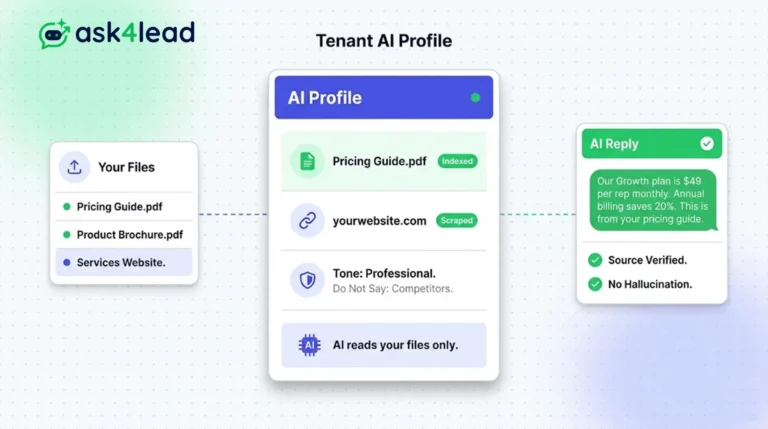
Tenant AI Profile
Tenant AI Profile ensures your WhatsApp assistant speaks exactly like your brand. You upload your documents, and the AI uses only that knowledge.
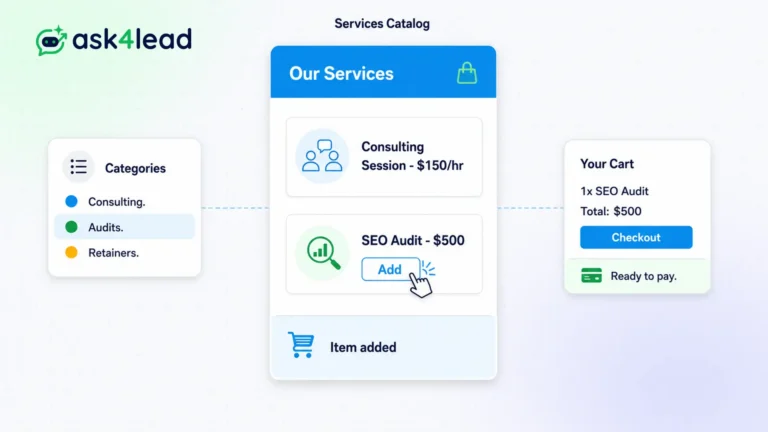
Services Catalog
The Ask4Lead WhatsApp product catalog stores your entire inventory inside the CRM. It serves as the single source of truth for your pricing.