
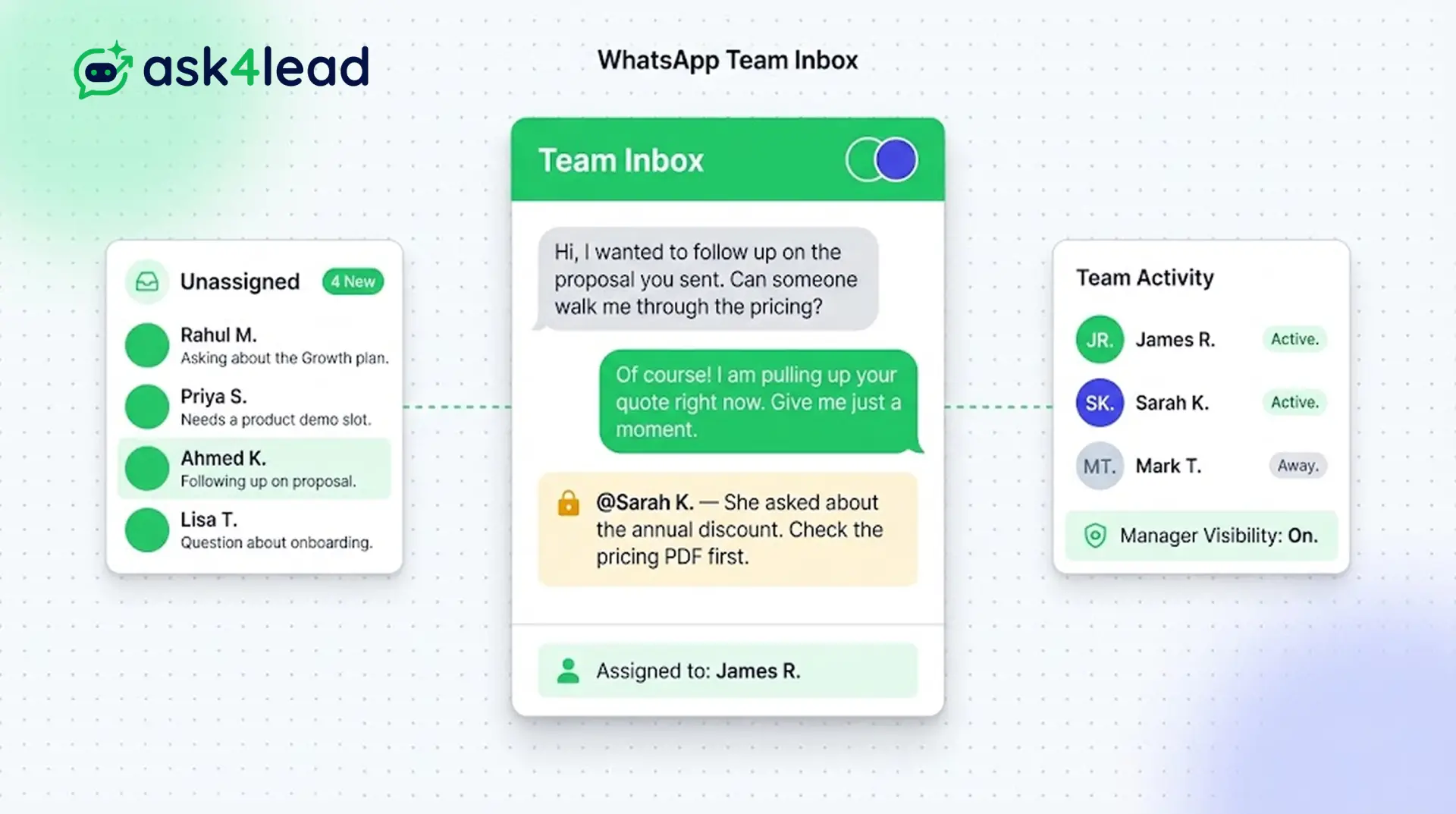
When sales reps use their personal WhatsApp, you lose control and cannot see what they promise customers.
Ask4Lead centralizes everything. You own the data and ensure every customer receives prompt attention.
Assign conversations, leave internal notes, and reply instantly. Every team member works from the same screen without colliding.
One WhatsApp number. Unlimited team members. Complete visibility.
Why You Need a WhatsApp Team Inbox
The shared inbox is where your human agents spend their day.
It acts like a modern email client, but built entirely for WhatsApp. All inbound messages arrive in a central pool. Your reps can claim chats or assign them to colleagues.
This eliminates chaos. You finally get complete visibility into every customer conversation happening across your business.
Stop Losing Deals on Personal WhatsApp Accounts
When sales reps use their personal WhatsApp, you lose control. You cannot see what they promise customers.
If a rep leaves the company, they take those leads with them. If a rep goes on vacation, their conversations stall completely.
Key Insight: Ask4Lead centralizes everything. When an agent logs off, another agent can take over instantly. The customer never experiences a delay, and you own the data.
How the Shared Inbox Works, Step by Step
Connecting your team takes only a few clicks:
- Connect your number: Link your WhatsApp Business API number to Ask4Lead.
- Invite your team: Add your sales reps, support agents, and managers.
- Messages arrive: Inbound chats land in the central “Unassigned” pool.
- Agents claim chats: Reps click “Assign to Me” to take ownership of a conversation.
- Collaborate internally: Agents tag each other in private notes before replying to the customer.
Core Capabilities of the Team Inbox
The inbox provides powerful tools for modern sales teams:
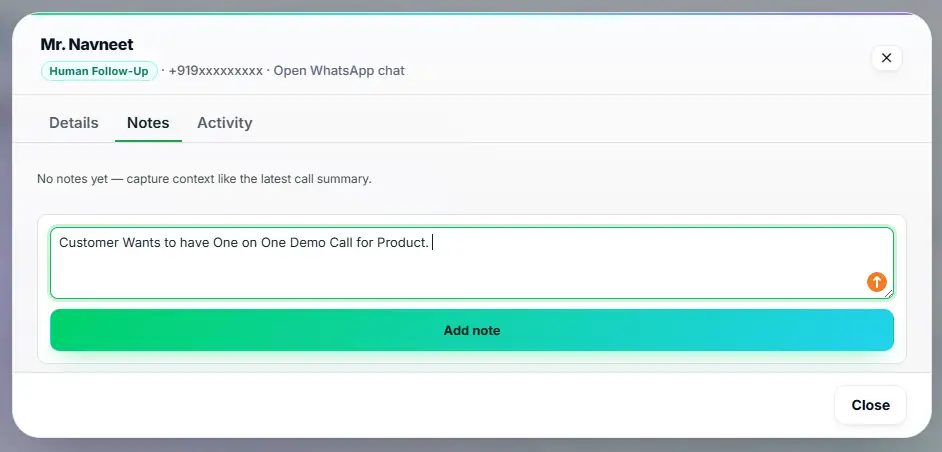
- Leave private internal notes that the customer cannot see. Tag a colleague to ask a question.
- See when another agent is already typing a reply. This prevents embarrassing double-responses.
- Filter conversations by tags, pipeline stage, or assigned agent. Find specific chats instantly.
- Send rich media directly from the interface. Upload PDFs, images, and audio notes easily.
- Transfer a chat to another department with one click. The new agent sees the full history.
- View delivery and read receipts for every single message sent.
WhatsApp Web vs. Shared Team Inbox
| Standard WhatsApp Web | Ask4Lead WhatsApp Team Inbox |
| Limited to 4 linked devices | Supports unlimited team members |
| Agents trip over each other | Assigns chats to specific owners |
| No internal collaboration | Supports private internal notes and tagging |
| No CRM integration | Updates lead stages automatically during chats |
How the Inbox Connects to Your CRM
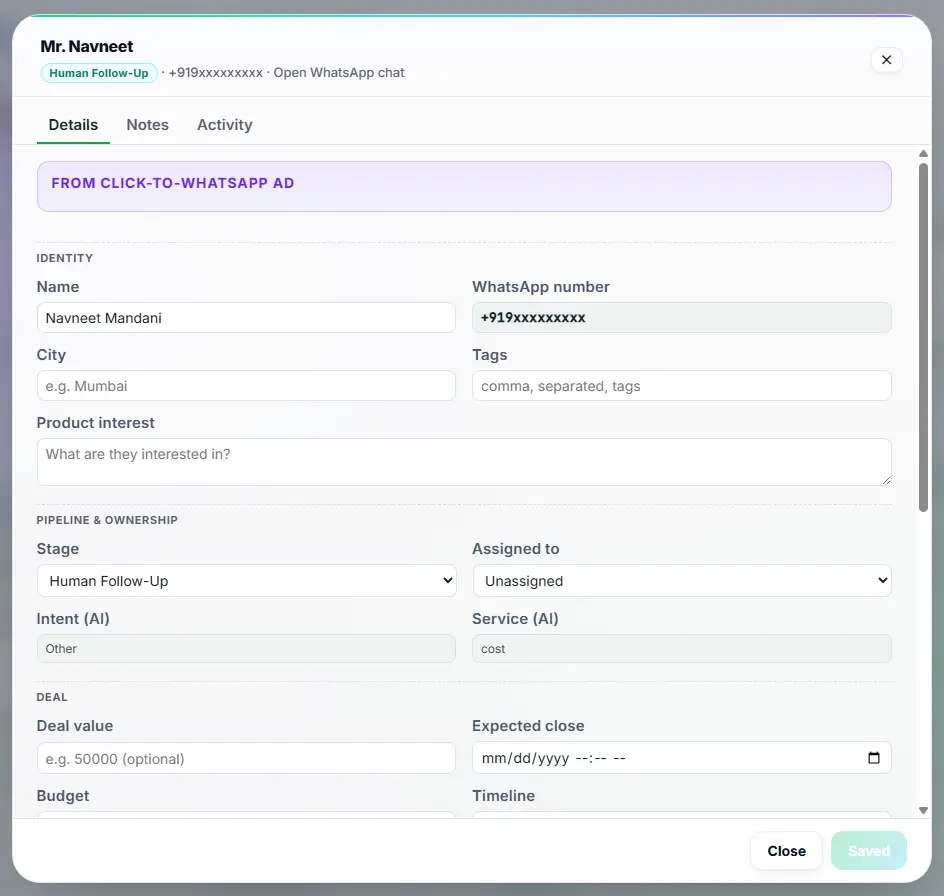
The team inbox is the visual front-end for your Lead Management system. When an agent chats, the right sidebar displays the customer’s full profile. Agents can update the Sales Pipeline directly from the chat screen.
- Lead Management: View the lead’s name, company, and tags right next to the chat window.
- Sales Pipeline: Change the deal stage without leaving the active conversation.
- Chat Snippets: Use the “/” command in the inbox to paste saved responses instantly.
Teams That Rely on a Shared Inbox
- Sales teams use it to route inbound leads to the next available rep automatically. They never miss a new prospect.
- Customer support uses it to escalate complex tickets. A tier-one agent transfers the chat to a specialist seamlessly.
- Marketing agencies use it to manage campaigns for clients. Multiple account managers work from one secure number.
- Real estate brokerages use it to handle high weekend volume. Receptionists triage chats and assign them to specific agents.
FAQs
Can multiple agents reply to the same customer?
Yes. However, the system assigns an owner to each chat. It also shows a “typing indicator” if another agent is already drafting a reply to prevent collisions.
Can the customer see our internal notes?
No. Internal notes use a distinct yellow background. The customer only sees the standard green WhatsApp messages you explicitly send.
Do I need multiple WhatsApp numbers for different departments?
No. You can run sales, support, and billing all from one central number. You simply use tags and assignments to route the chats to the right team.
Can I see what my agents are saying?
Yes. Managers have full visibility into the entire inbox. You can monitor conversations in real time for quality assurance.
Does it work on mobile devices?
Yes. The Ask4Lead platform is fully responsive. Your team can manage the shared inbox from their phones while on the go.
What happens to chats after hours?
You can configure the AI Sales Assistant to handle out-of-hours queries automatically. The chats will be waiting in the inbox when your team arrives.
Related Features
AI Sales Assistant
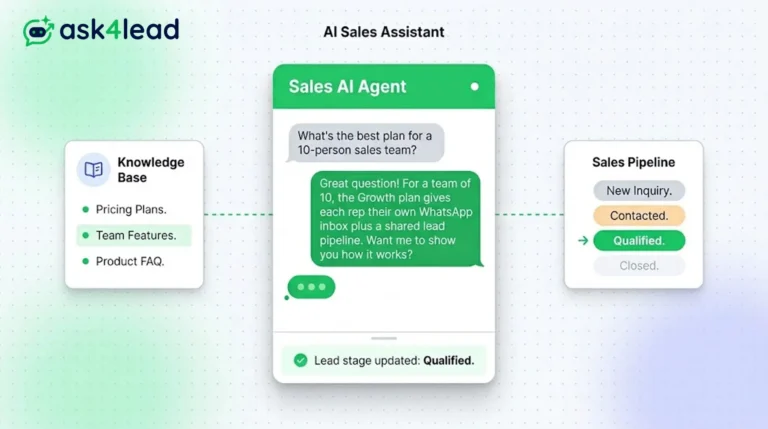
Our AI Sales Assistant reads WhatsApp messages, checks your knowledge base & replies 24/7 turning every chat into a qualified lead.
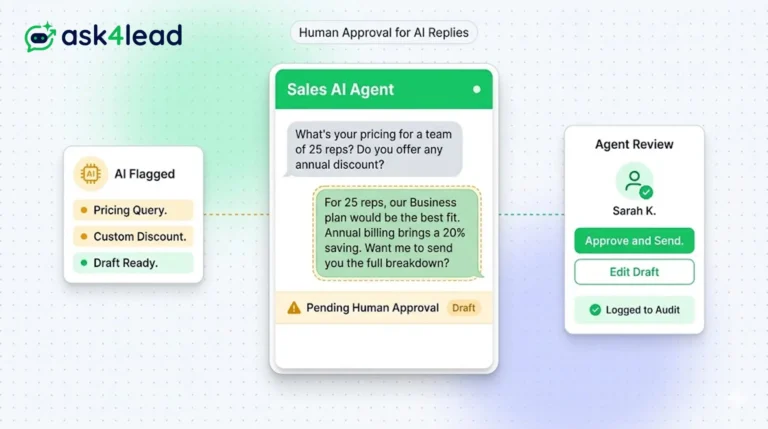
Human Approval for AI Replies
Our CRM requires human approval for AI replies whenever confidence is low. You can review, edit, and approve drafts before the customer sees them.
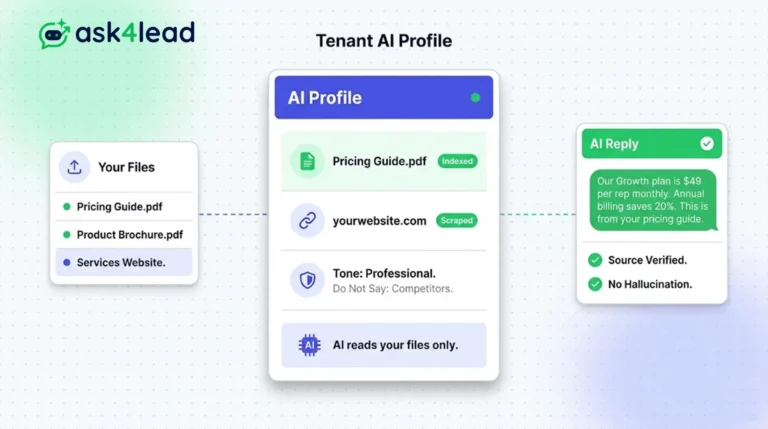
Tenant AI Profile
Tenant AI Profile ensures your WhatsApp assistant speaks exactly like your brand. You upload your documents, and the AI uses only that knowledge.