
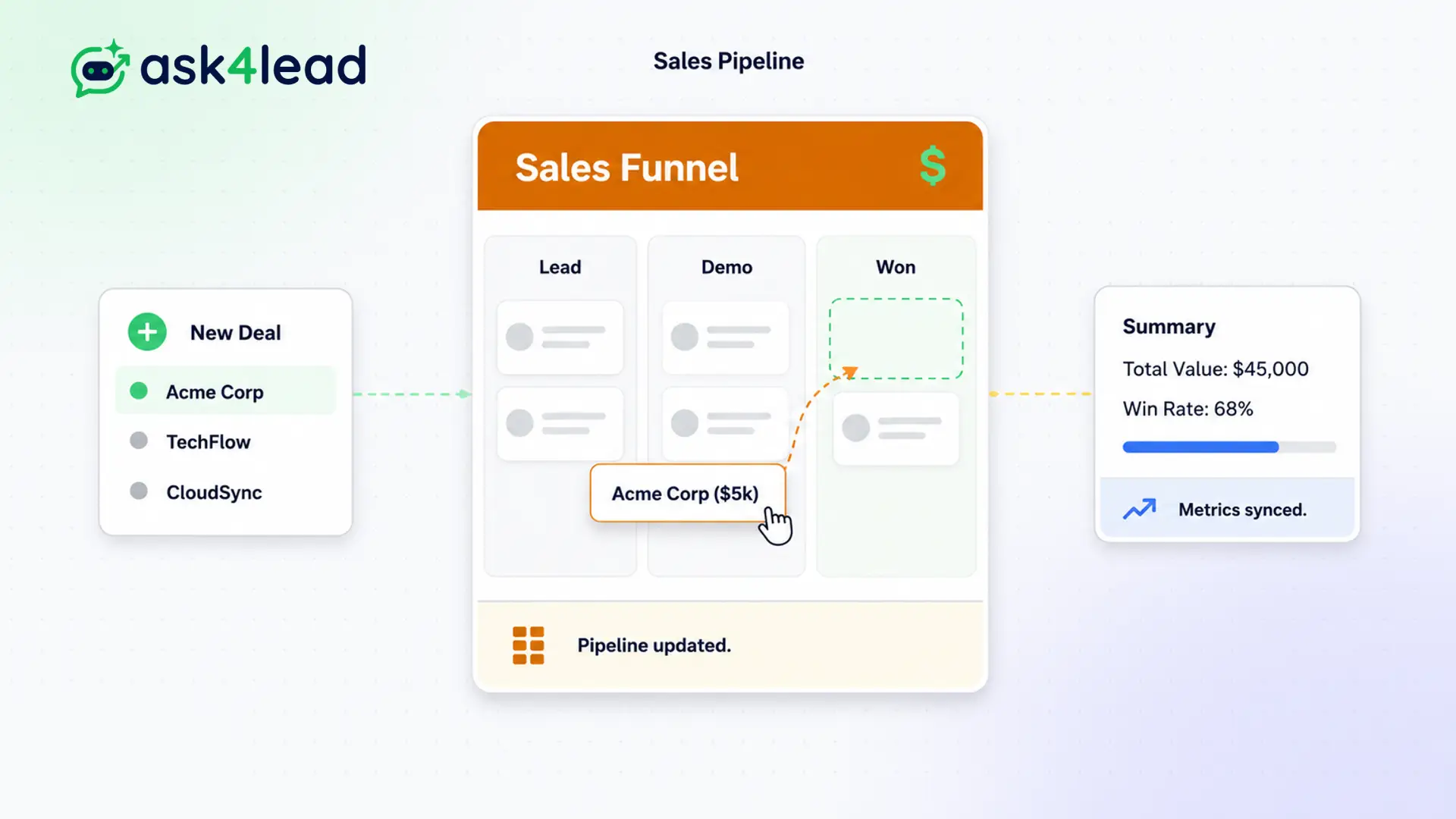
An inbox is just a list of messages. It tells you nothing about the health of your business revenue.
The Sales Pipeline changes that by taking every active conversation and placing it on a visual board.
Watch leads move automatically as the AI qualifies them. Then, let your human agents drag and drop cards to “Negotiation” and “Closed Won.”
See your entire revenue pipeline in one glance.
Why You Need a Visual WhatsApp Sales Funnel
An inbox is just a list of messages. It tells you nothing about the health of your business.
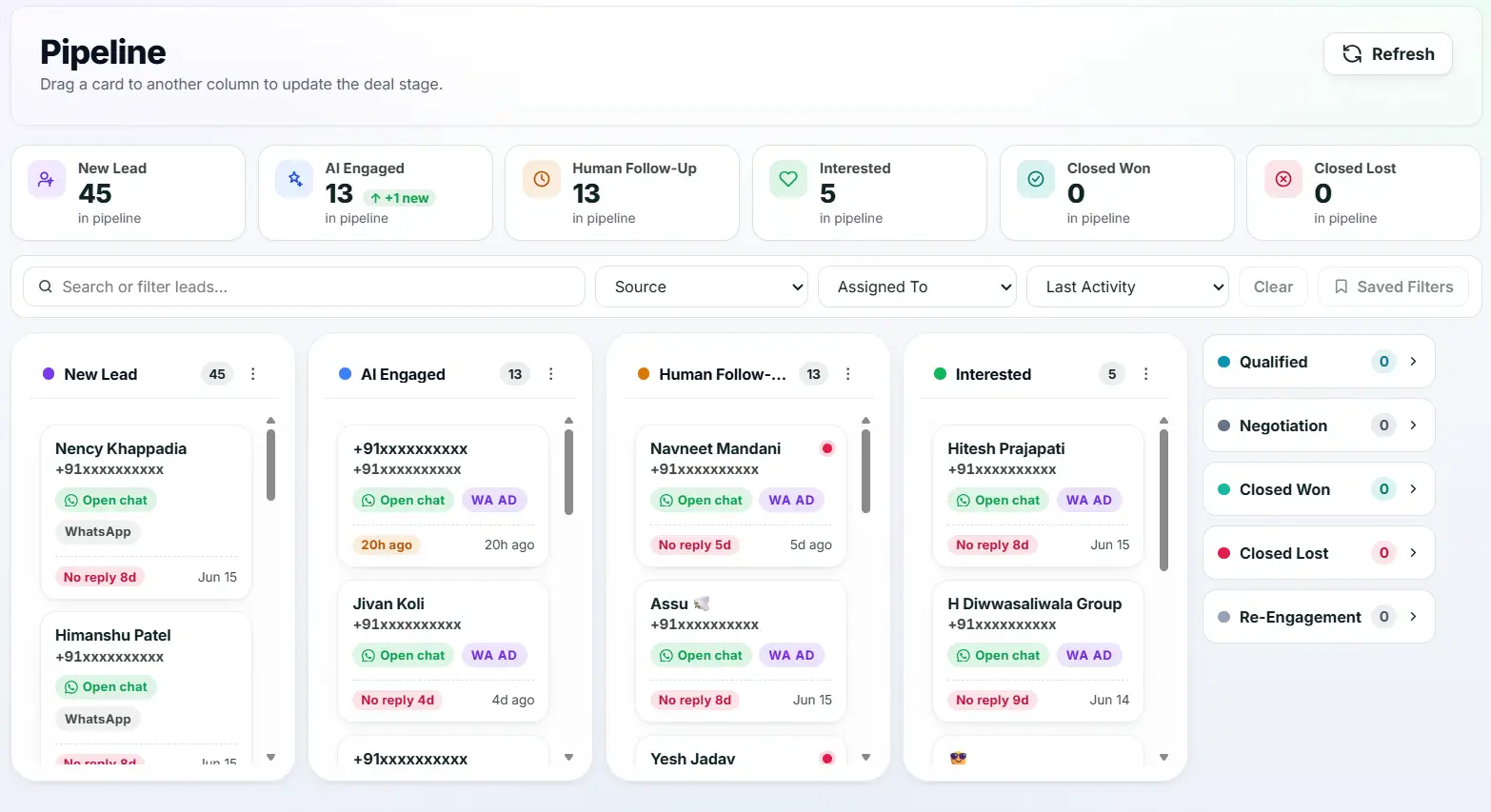
The Sales Pipeline changes that. It takes every active conversation and places it on a visual board. Each column represents a stage in the buying journey, from “New Lead” to “Closed Won”.
You can instantly see where deals are piling up and where revenue is getting stuck.
Stop Losing Track of Hot Prospects
When you handle hundreds of chats, high-value leads get buried under simple support queries.
Sales managers cannot forecast revenue because they do not know how many prospects are in the negotiation phase. The sales process becomes entirely reactive.
Key Insight: Ask4Lead separates the noise from the money. The visual pipeline shows you exactly how much deal value is sitting in each stage, forcing your team to prioritize closing.
How the Kanban Pipeline Works, Step by Step
Moving deals through your funnel is incredibly intuitive:
- Automatic creation: A new message arrives and drops a card into the “New Lead” column.
- AI advancement: The AI Sales Assistant replies and auto-moves the card to “AI Engaged” and then “Qualified.”
- Human handover: An agent takes over and moves the card to “Negotiation.”
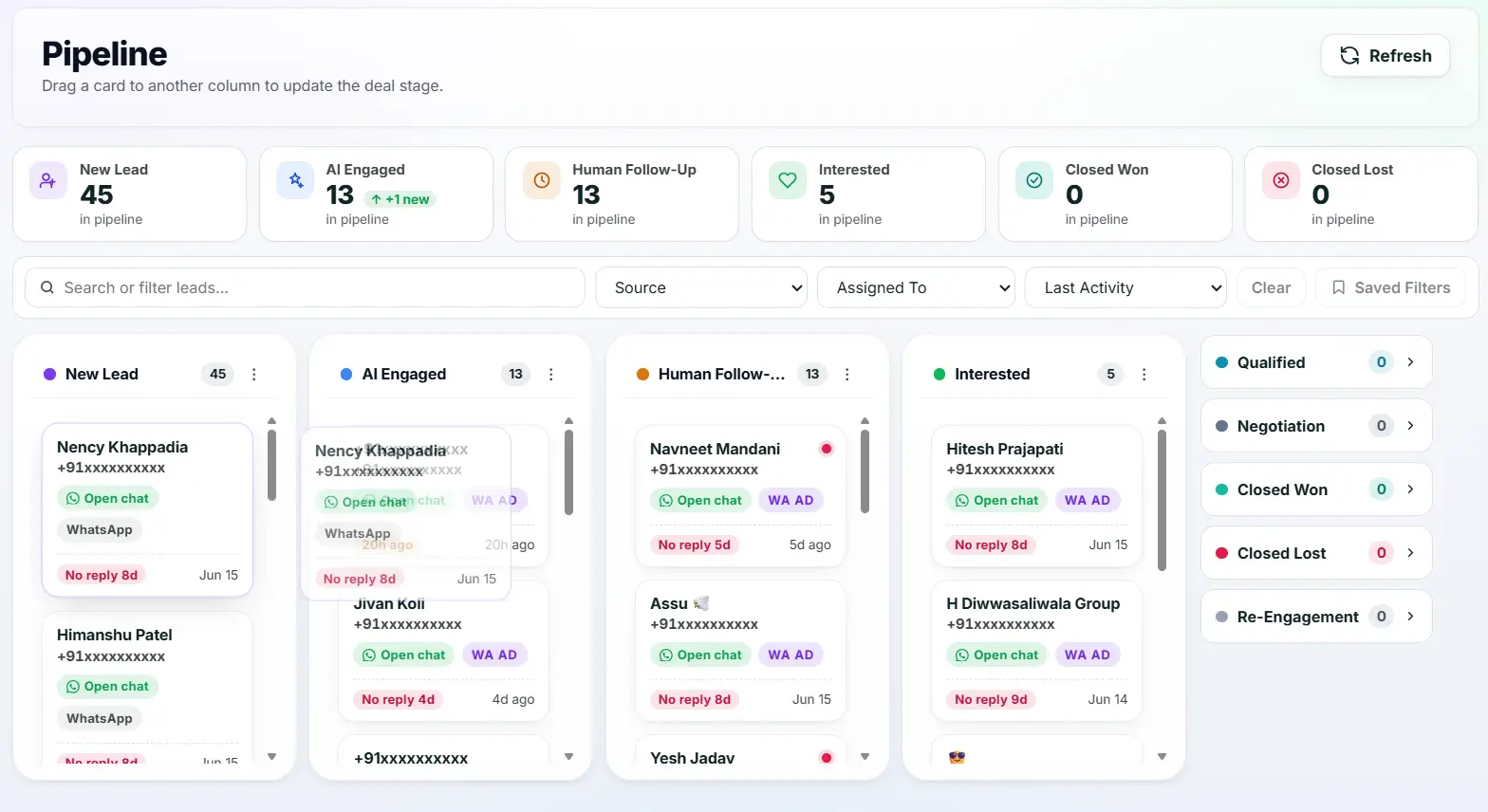
- Drag and drop: The agent literally drags the card across the screen to update its status.
- Deal closure: The card moves to “Closed Won,” and the revenue is officially logged in your reports.
Core Capabilities of the Pipeline
Our WhatsApp sales funnel is built for serious revenue teams:
- Nine distinct, logical stages designed specifically for conversational commerce.
- Each column calculates the total deal value of all the cards inside it automatically.
- The AI Sales Assistant can suggest pipeline stage changes based on the context of the chat.
- Clicking any card on the board instantly opens the full WhatsApp chat history.
- Managers can filter the board to view only the deals assigned to a specific sales rep.
- Cards that have been neglected for too long highlight a warning to prompt immediate action.
Spreadsheets vs. Visual Kanban Pipeline
| Manual Excel Spreadsheets | Ask4Lead Visual Kanban Pipeline |
| Requires manual data entry | Updates automatically based on live chats |
| Disconnected from the actual conversation | Clicking a card opens the live WhatsApp thread |
| Static and hard to read | Visual, drag-and-drop interface |
| Revenue totals require formulas | Calculates column revenue totals instantly |
How the Pipeline Connects to Your CRM
The Sales Pipeline takes the raw data from Lead Management and makes it visual. It relies on the AI Sales Assistant to automatically advance leads through the early, tedious stages of the funnel.
- Lead Management: Provides the names, tags, and deal values shown on the pipeline cards.
- AI Sales Assistant: Automatically moves new leads into the “Qualified” stage without human effort.
- Reports and Analytics: Uses the stage-change data to build funnel conversion reports.
Industries That Maximize the Kanban Board
- Real Estate Developers use it to track buyers moving from “Site Visit Booked” to “Negotiation” to “Deposit Paid.”
- B2B Agencies use it to monitor long sales cycles, ensuring high-value contracts do not stall in the middle.
- Automotive Sales use it to see exactly how many prospects are currently scheduling test drives this week.
- Educational Consultancies use it to track student enrollments from initial inquiry to paid admission.
FAQs
Can I customize the names of the pipeline stages?
Ask4Lead provides a highly optimized 9-stage template built specifically for conversational sales. Depending on your workspace settings, admins can tweak these to better fit your terminology.
How does the AI know when to move a lead?
The AI Sales Assistant analyzes the context of the conversation. If it successfully extracts the necessary qualification data (like budget or timeline), it automatically updates the stage to “Qualified.”
Can I see how much money is in the pipeline?
Yes. At the top of every column, the system displays the total aggregate deal value of all the cards currently sitting in that stage.
Do I have to use the drag-and-drop board?
No. You can also update a lead’s pipeline stage directly from the dropdown menu inside the chat window. The visual board will update automatically.
What happens to a card when a deal is lost?
You drag the card to the “Closed Lost” stage. This removes them from your active funnel but preserves their data for future reactivation campaigns.
Can a manager view the whole team’s pipeline?
Yes. Managers have a global view of the pipeline. They can see every deal or filter the board to isolate a specific agent’s performance.

