
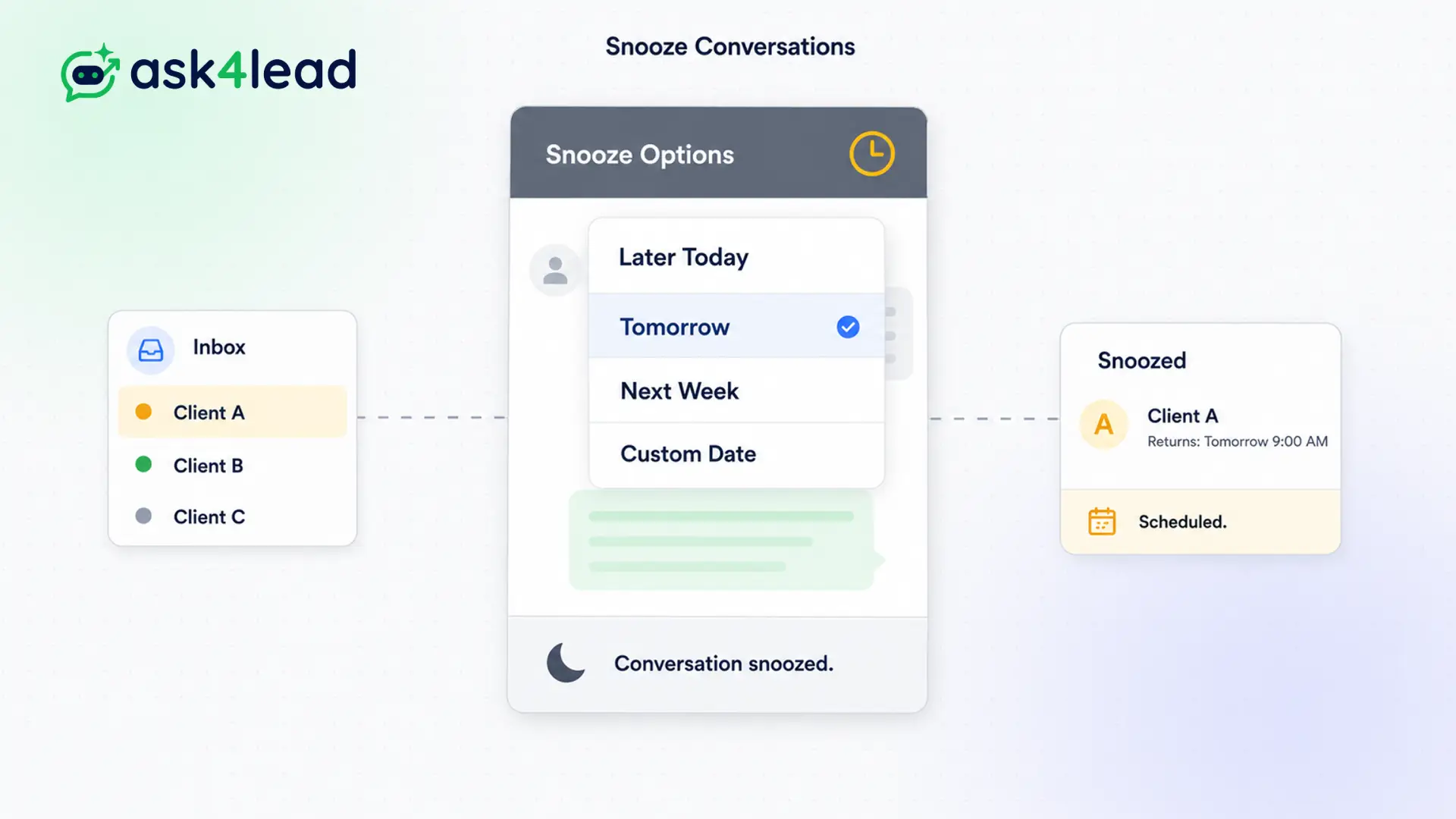
Not every customer is ready to buy immediately.
Keeping an unready lead in your active inbox is distracting. However, deleting the chat means you lose the lead entirely.
Do not let future buyers clutter your daily workspace. Click snooze, set a date, and focus solely on the prospects ready to close today.
Clean your inbox. Never lose a lead.
Why Snoozing Improves WhatsApp Conversation Snooze
Not every customer is ready to buy immediately.
When a prospect says, “Check back with me next month,” keeping their chat in your inbox is distracting. However, deleting the chat means you lose the lead entirely.
Snoozing solves this. It hides the conversation temporarily. This is the foundation of effective, low-stress WhatsApp lead nurturing.
Stop Drowning in Stale Conversations
A cluttered inbox destroys sales efficiency. Reps spend hours scrolling past old conversations just to find active ones.
Worse, they forget about the people who told them to call back later. The leads go cold.
Key Insight: Ask4Lead treats your inbox like a prioritized task list. If a conversation requires no action today, you snooze it. Your active inbox only contains people ready to buy right now.
How to Snooze a Conversation, Step by Step
Managing future leads takes only two clicks:
- Identify the delay: A customer asks you to reach out next week.
- Click Snooze: Press the alarm clock icon at the top of the chat window.
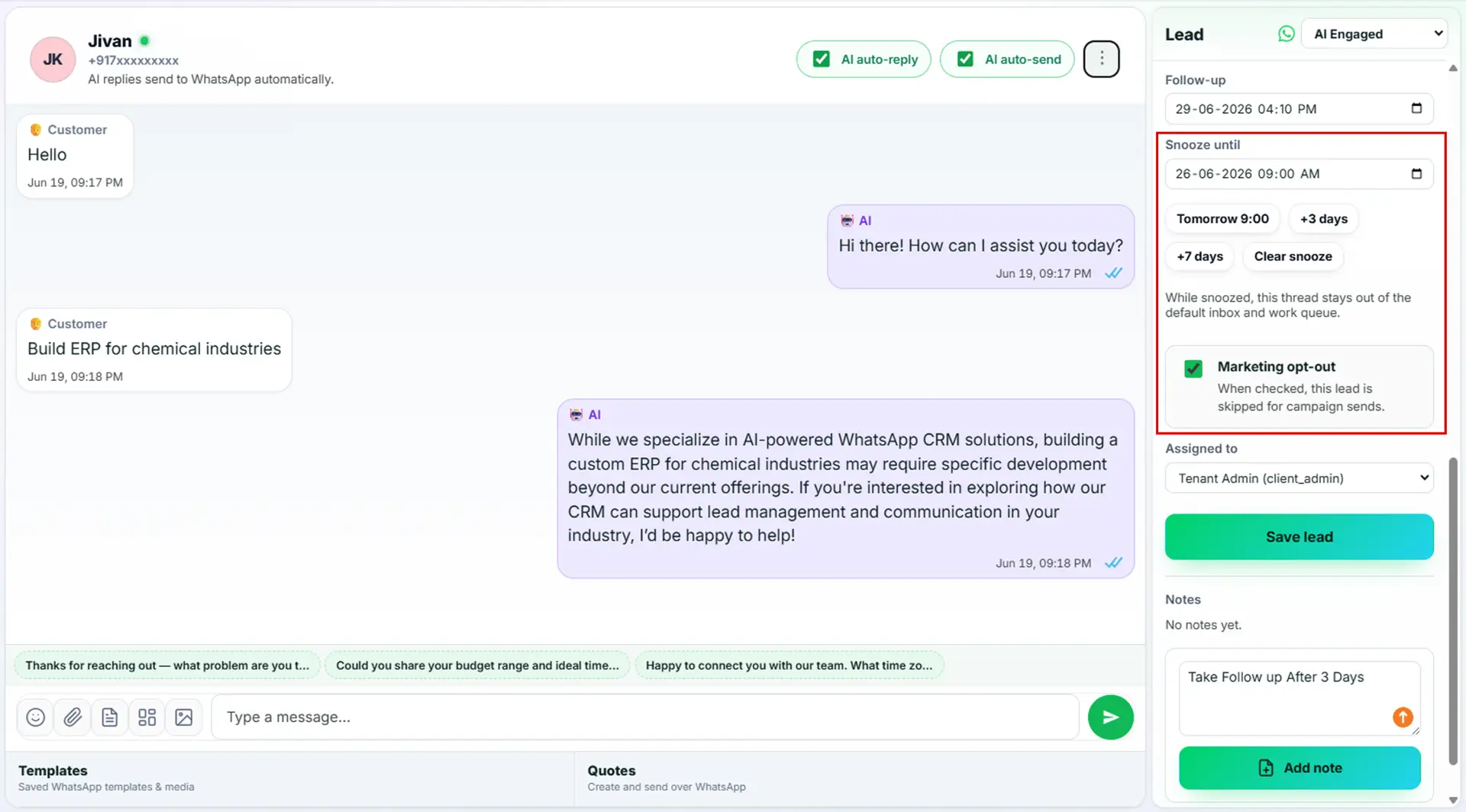
- Select a date: Choose a preset time (e.g., “Tomorrow”) or pick a custom date from the calendar.
- Chat disappears: The conversation instantly vanishes from the active inbox.
- Auto-returns: On the selected date, the chat reappears at the top of your Work Queue automatically.
Core Capabilities of the Snooze Feature
The snooze tool is built for high-volume sales reps:
- Choose from quick presets like “Later Today”, “Tomorrow”, or “Next Week” for maximum speed.
- If a snoozed customer sends a new message early, the chat immediately un-snoozes and jumps to the top of the inbox.
- Managers can view all currently snoozed conversations in a separate folder to monitor pipeline health.
- You can add a quick note when snoozing so you remember exactly why you paused the chat.
- Snoozed chats do not trigger overdue alerts until their specific timer expires.
Standard Archiving vs. Snoozing
| Standard WhatsApp Archive | Ask4Lead Snooze Feature |
| Hides the chat indefinitely | Hides the chat temporarily |
| You must remember to un-archive it manually | It reappears automatically on the exact date you chose |
| Leads are easily forgotten forever | Guarantees you follow up on time |
| No scheduling capability | Built specifically for time-based WhatsApp lead nurturing |
How Snoozing Connects to Your CRM
Snoozing is deeply integrated with the Shared Team Inbox. It keeps the workspace clean for everyone. When a snoozed chat wakes up, it lands directly in the assigned agent’s Work Queue.
- WhatsApp Shared Team Inbox: The primary workspace that you keep clean by snoozing unready leads.
- Work Queue: Where the conversation automatically reappears when the snooze timer expires.
- Sales Pipeline: You can update the deal stage to “Nurturing” right before you hit the snooze button.
Industries That Maximize Snoozed Conversations
- B2B SaaS Teams use it when a lead says, “We don’t have budget until Q3.” The rep snoozes the chat for exactly 90 days.
- Real Estate Agents use it to pause conversations with buyers who are waiting for mortgage pre-approval.
- Travel Agencies use it to hide chats after sending an itinerary quote, setting it to reappear 48 hours later for a follow-up.
- Event Planners use it to manage vendors who promise to send an invoice “next week.”
FAQs
What happens if the customer messages me while snoozed?
The conversation immediately un-snoozes. It jumps back into your active inbox so you can reply to them right away. You never miss an incoming message.
Can I view a list of all my snoozed chats?
Yes. There is a dedicated “Snoozed” folder in the sidebar. You can review all pending conversations and see exactly when they are scheduled to wake up.
Can I un-snooze a chat manually before the timer ends?
Yes. You can open the Snoozed folder, click on the conversation, and manually wake it up at any time if you decide to follow up early.
Is this the same as archiving a chat?
No. Archiving hides a chat forever until you manually search for it or the customer replies. Snoozing schedules a proactive return date.
Does snoozing a chat affect the AI Sales Assistant?
No. The AI remains active. If the customer messages you early, the AI will respond normally and the chat will un-snooze.
Can a manager see what leads an agent has snoozed?
Yes. Managers have full visibility across the entire workspace. They can review snoozed folders to ensure agents aren’t hiding active prospects.
Related Features
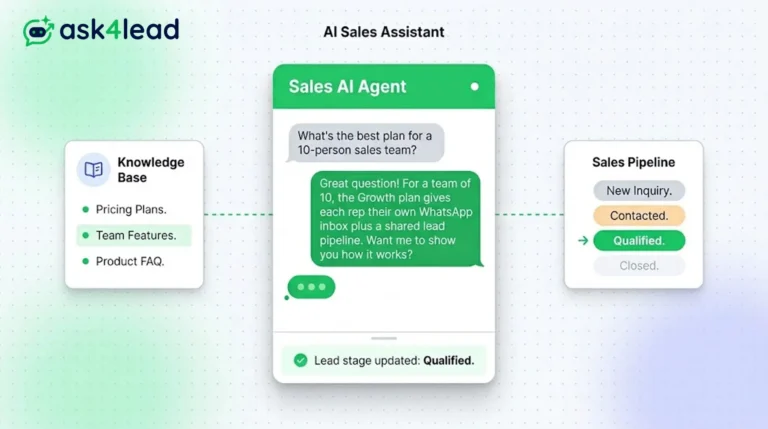
AI Sales Assistant
Our AI Sales Assistant reads WhatsApp messages, checks your knowledge base & replies 24/7 turning every chat into a qualified lead.
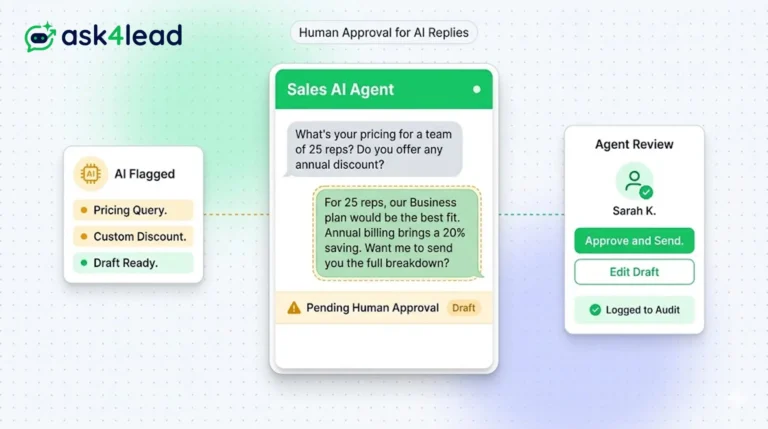
Human Approval for AI Replies
Our CRM requires human approval for AI replies whenever confidence is low. You can review, edit, and approve drafts before the customer sees them.
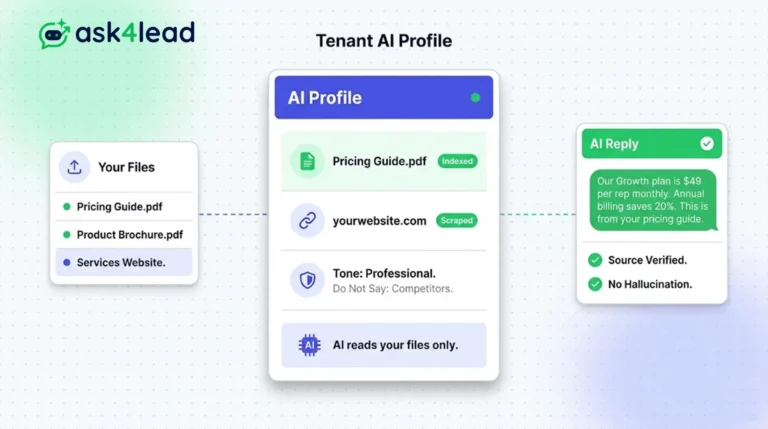
Tenant AI Profile
Tenant AI Profile ensures your WhatsApp assistant speaks exactly like your brand. You upload your documents, and the AI uses only that knowledge.