
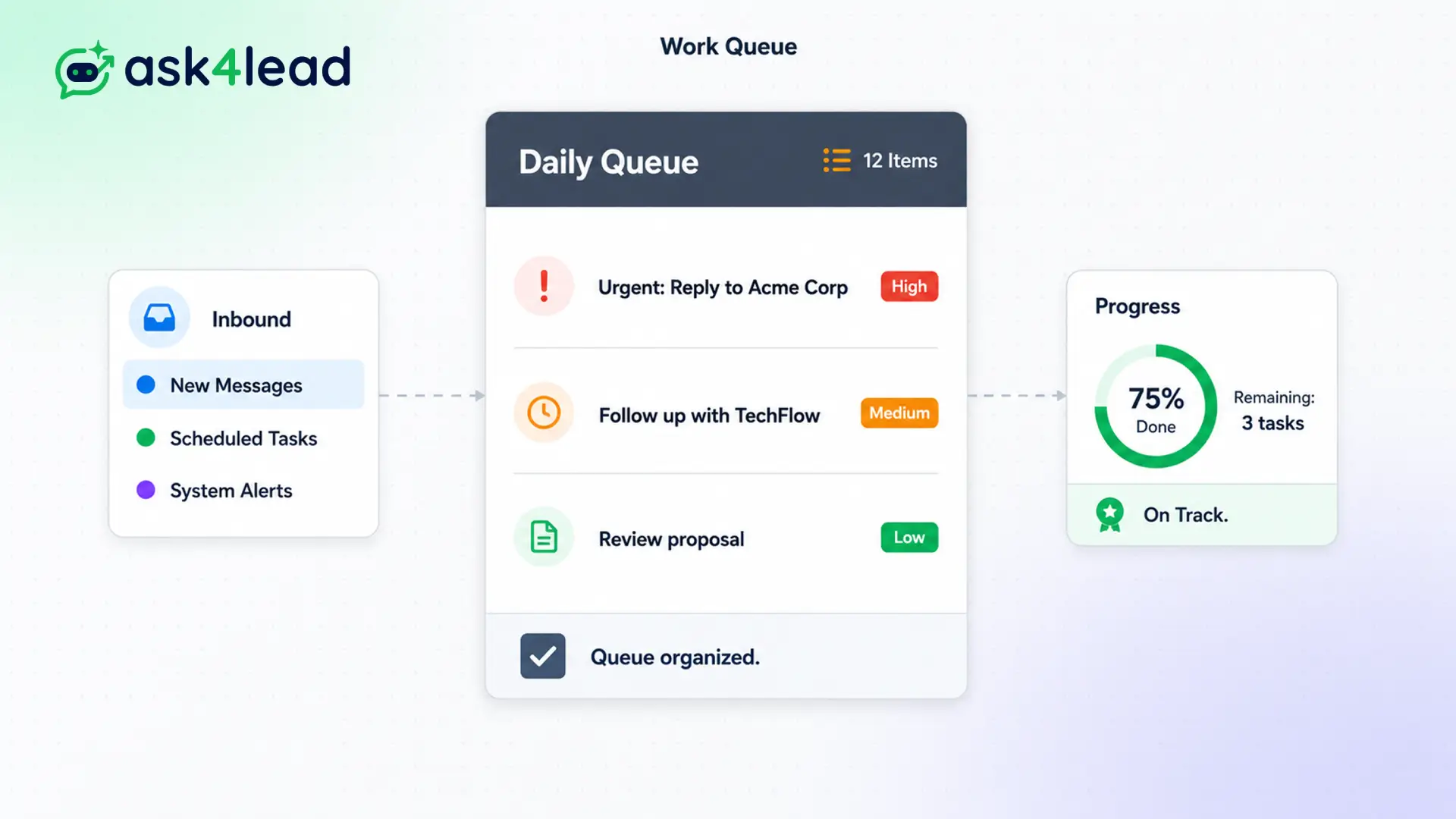
Tracking WhatsApp leads manually is impossible at scale. Reps easily forget to message people back.
When you forget a follow-up, your competitor wins the deal.
Our intelligent work queue aggregates pending AI approvals, scheduled reminders, and stale conversations into one CRM dashboard. Everything sits in a clean, prioritized list.
Focus on selling. Let the system organize your day.
Why You Need a WhatsApp CRM Work Queue
Sales reps lose hours every week deciding who to contact next. A standard inbox offers no prioritization.
Our WhatsApp CRM work queue solves this. It scans your entire CRM and pulls actionable items to the surface. When an agent logs in, they see a simple list of mandatory tasks tailored for that specific day.
This organized approach ensures no high-value prospect ever slips through the cracks.
Stop Relying on Sticky Notes and Messy Spreadsheets
Managing WhatsApp leads without a dedicated CRM system is a recipe for disaster. Reps lose track of conversations and forget critical follow-ups.
When you fail to engage, you lose revenue. You need a centralized system that enforces accountability.
Key Insight: Ask4Lead transforms an overwhelming inbox into a focused action plan. Your team completes the list from top to bottom, ensuring zero missed opportunities.
How the Work Queue Organizes Your Day
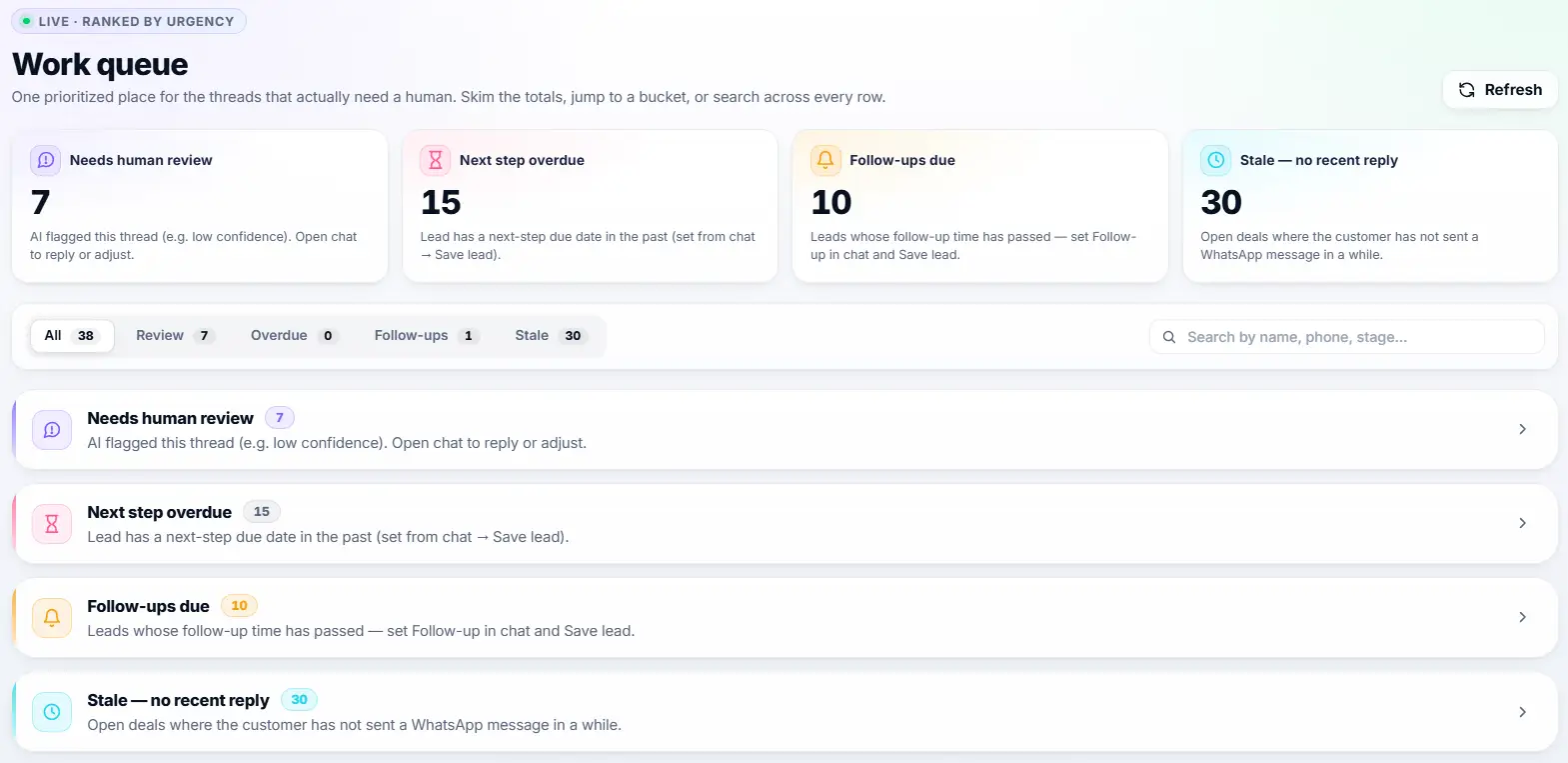
The CRM works silently in the background to categorize your active and past conversations into live, actionable buckets ranked by urgency:
- Needs Human Review: Flags threads where the AI needs assistance (e.g., low confidence) so you can review and approve drafted replies.
- Next Step Overdue: Highlights leads that have a next-step due date in the past, ensuring urgent deals don’t stall.
- Follow-ups Due: Surfaces leads whose scheduled follow-up time has passed, so you never forget to check back in.
- Stale No Recent Reply: Brings back open deals where the customer hasn’t sent a WhatsApp message in a while, helping you re-engage them.
You receive a clean, prioritized dashboard. Skim the totals, jump to a specific bucket, or search across every row.
Core Capabilities of the WhatsApp CRM Work Queue
Our WhatsApp CRM work queue drives daily productivity with powerful features:
- Live Urgency Ranking: Threads are automatically sorted by priority so you always know who to contact next.
- Global Search: Quickly find specific conversations by searching across names, phone numbers, or deal stages directly from the queue.
- One-Click Access: Click on any bucket to instantly open the corresponding list of chats and start replying.
- Continuous Re-engagement: Never lose a lead to silence. The system automatically categorizes stale chats for you to revive.
- Managers can view the work queues of their junior reps to ensure compliance and monitor unresolved threads.
- Clearing a task automatically moves you to the next conversation in line, saving clicks.
Work Queue vs. Standard WhatsApp Inbox
| Standard WhatsApp Inbox | Ask4Lead WhatsApp CRM Work Queue |
| Chronological order only | Prioritized by urgency and task type |
| No way to schedule reminders | Surfaces scheduled follow-ups automatically |
| Overwhelming for high-volume agents | Provides a focused, step-by-step action list |
| Easy to forget older conversations | Wakes up snoozed chats exactly on time |
How the Work Queue Connects to Your Ask4Lead CRM
The WhatsApp CRM work queue acts as the central nervous system for your daily tasks. It pulls data from Follow-Ups and Next Steps and flags messages from the Human Approval system.
- Follow-Ups and Next Steps: The tool you use to schedule the reminders that eventually appear here.
- Human Approval for AI Replies: The system that drafts messages and places them in your queue.
- Snooze Conversations: Paused chats that wake up and enter the queue when their timer expires.
Teams That Rely on Automated Follow Ups
- B2B Sales Teams use it to manage complex, multi-month deal cycles without forgetting a touchpoint.
- Real Estate Agents use it to message prospects exactly when their current lease is expiring.
- Insurance Brokers use it to remind clients about upcoming policy renewals automatically.
- Customer Success uses it to check in on new users 30 days after they sign up.
FAQs
Does the software send follow-ups automatically?
The WhatsApp CRM work queue reminds your human agents to follow up. If you want fully automated sending without human intervention, you can use our WhatsApp Campaigns feature instead.
What happens if I miss a scheduled follow-up?
The task remains in your work queue and turns red. It is marked as overdue. It will not disappear until you actively complete or reschedule it.
Can a manager see my pending tasks?
Yes. Managers have full visibility into the work queue of every agent on their team. This helps them ensure no leads are neglected.
How do items get into the WhatsApp CRM work queue?
You can schedule a next step manually, you can snooze a chat, or the AI can place a drafted reply there for your approval.
Can I clear multiple tasks at once?
You must review tasks individually. This strict process ensures every customer receives the high-quality attention they deserve.
Does this cost extra?
No. The work queue is a core component of the Ask4Lead platform. It is included in every workspace to maximize your sales efficiency.
Related Features
AI Sales Assistant
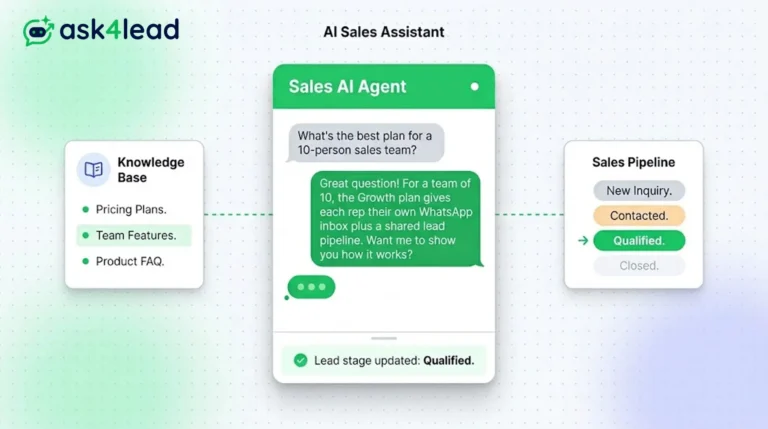
Our AI Sales Assistant reads WhatsApp messages, checks your knowledge base & replies 24/7 turning every chat into a qualified lead.
Human Approval for AI Replies
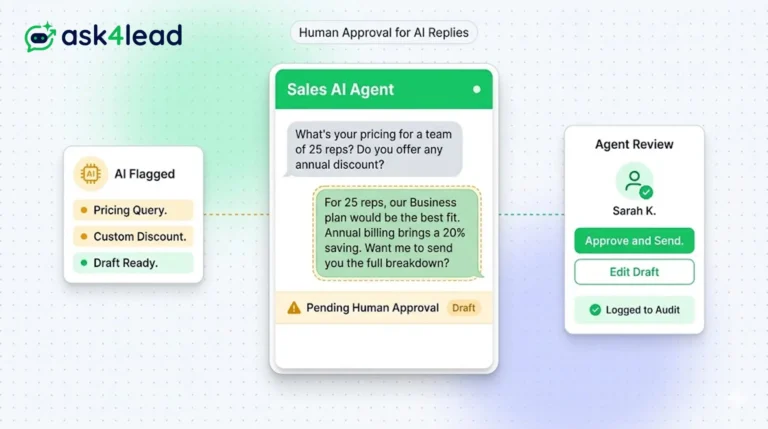
Our CRM requires human approval for AI replies whenever confidence is low. You can review, edit, and approve drafts before the customer sees them.
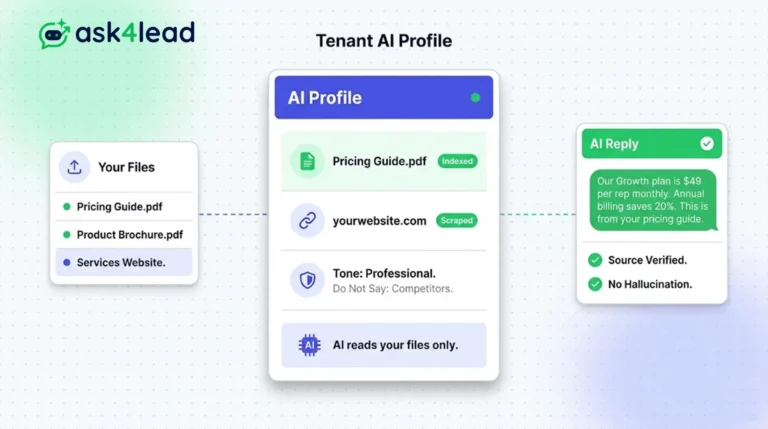
Tenant AI Profile
Tenant AI Profile ensures your WhatsApp assistant speaks exactly like your brand. You upload your documents, and the AI uses only that knowledge.