
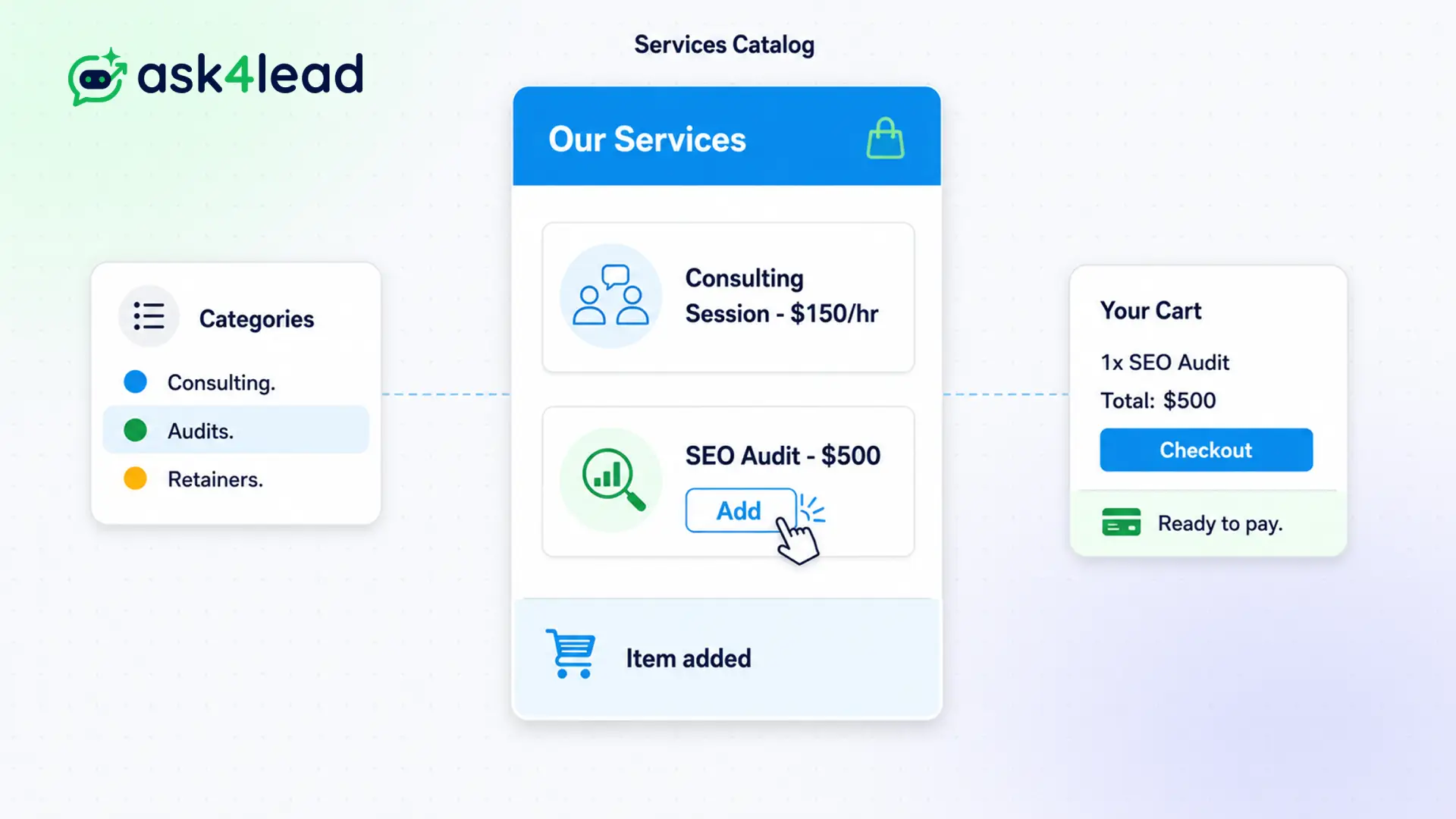
If your sales team relies on outdated PDFs to check prices, embarrassing mistakes will inevitably happen.
Our built-in catalog ensures absolute consistency whether a customer talks to the AI or a human agent.
When you update a price here, your AI Sales Assistant learns it instantly. Your human agents can also pull these items directly into quotes without typing.
Centralize your pricing. Never quote the wrong amount again.
Why You Need a WhatsApp Product Catalog
If your sales team relies on outdated PDFs to check prices, mistakes happen.
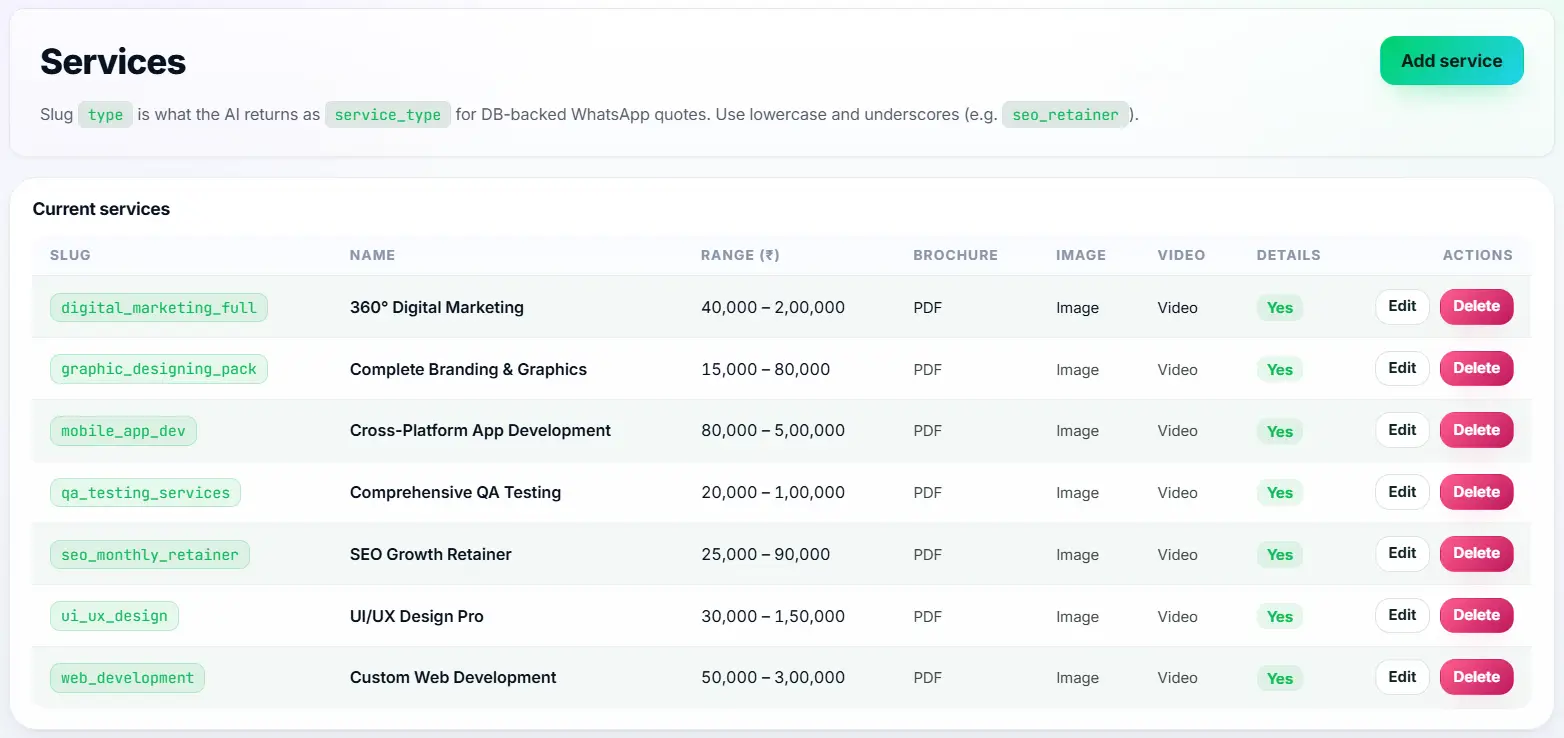
The Services Catalog brings your pricing database directly into the chat interface. You define your products, services, descriptions, and exact costs in one central location.
This ensures absolute consistency whether a customer talks to the AI or a human agent.
Stop Sending Customers Outdated Pricing
When prices change, communicating that update to a large sales team is a nightmare. Reps inevitably quote old numbers, cutting into your profit margins.
, AI chatbots that lack a structured catalog often hallucinate pricing data entirely.
Key Insight: Ask4Lead connects your catalog directly to the conversational engine. Update a price once, and every subsequent AI reply and manual quote uses the new data automatically.
How to Build Your Catalog, Step by Step
Adding your products to the system takes minutes:
- Open the dashboard: Navigate to the Services Catalog section in your CRM settings.
- Create an item: Click “Add New Product” to open the creation form.
- Define the details: Enter the name, a detailed description, and the exact price.
- Upload an image: Add a high-quality product photo if applicable.
- Save and sync: The item is instantly available for the AI and the manual Quote Builder.
Core Capabilities of the Catalog
Our catalog is designed for dynamic, fast-moving sales operations:
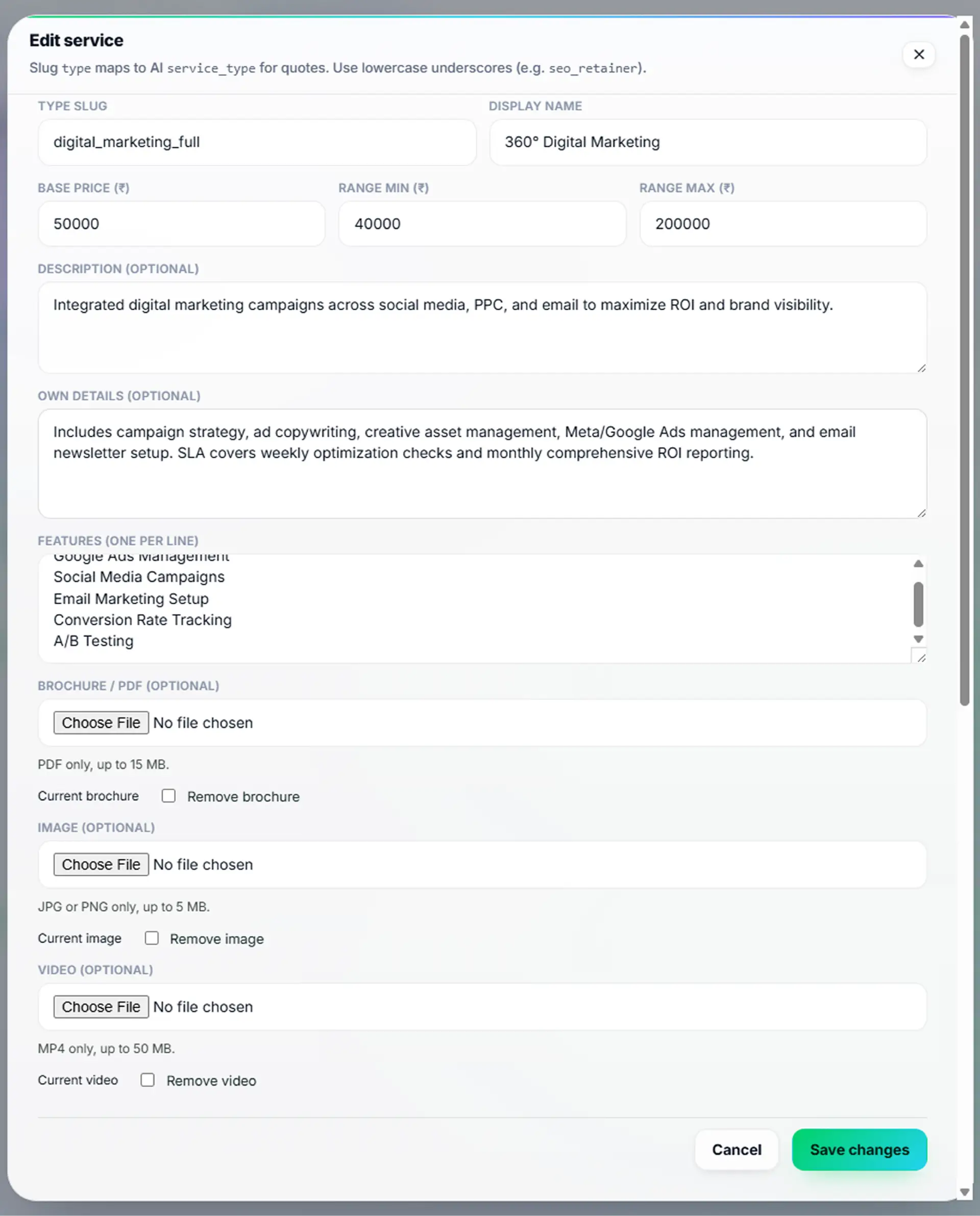
- Support for both one-time products (e.g., physical goods) and recurring services (e.g., monthly subscriptions).
- Include rich descriptions so the AI understands exactly what the product does.
- Assign internal SKU numbers for seamless accounting integration.
- Group similar products into categories to make searching faster for your agents.
- Hide products temporarily if they go out of stock, preventing the AI from selling them.
- Export your entire catalog list to CSV for external audits.
Static PDFs vs. Dynamic Catalog
| Static PDF Price Lists | Ask4Lead WhatsApp Product Catalog |
| Impossible to update quickly | Updates prices globally in one click |
| Invisible to automated AI bots | Feeds pricing data directly to the AI Assistant |
| Requires agents to type quotes manually | Integrates directly with the instant Quote Builder |
| Difficult to search during a live chat | Fully searchable database inside the chat window |
How the Catalog Connects to Your CRM
The catalog is the backbone of your revenue engine. It feeds directly into the Quotes builder for human agents. It also acts as the primary knowledge base for the AI Knowledge Profile.
- Quotes Builder: Agents click products from the catalog to generate instant pricing proposals.
- AI Knowledge Profile: The AI reads the catalog descriptions to answer customer questions accurately.
- AI Sales Assistant: Uses catalog prices to qualify leads based on their budget.
Industries That Rely on a Dynamic Catalog
- Travel Agencies update the catalog daily with fluctuating flight and hotel package prices.
- B2B Consultants list their tiered service retainers so the AI can explain the differences clearly.
- Wholesale Distributors manage hundreds of SKU prices to generate rapid bulk quotes.
- Event Venues list distinct pricing for catering, room rentals, and audiovisual equipment.
FAQs
Is the catalog visible to the public?
The catalog itself is an internal database. However, the AI references it to answer customer questions, and agents use it to build quotes that customers see.
Can I import my existing product list?
Yes. You can use our bulk CSV import tool to upload your entire existing catalog in seconds, preventing manual data entry.
Can I support multiple currencies?
Currently, the catalog is optimized for a single base currency per workspace to ensure accurate pipeline revenue reporting.
Does the AI know when an item is out of stock?
Yes. If you toggle an item’s status to inactive in the catalog, the AI will immediately stop offering it to prospects.
Can I add images to my catalog items?
Yes. Adding images helps your human agents quickly identify the correct product when building a quote during a fast-paced chat.
Who can change prices in the catalog?
Only Admins and Managers have the permission to add, edit, or delete items in the Services Catalog. This protects your margins.
Related Features
AI Sales Assistant
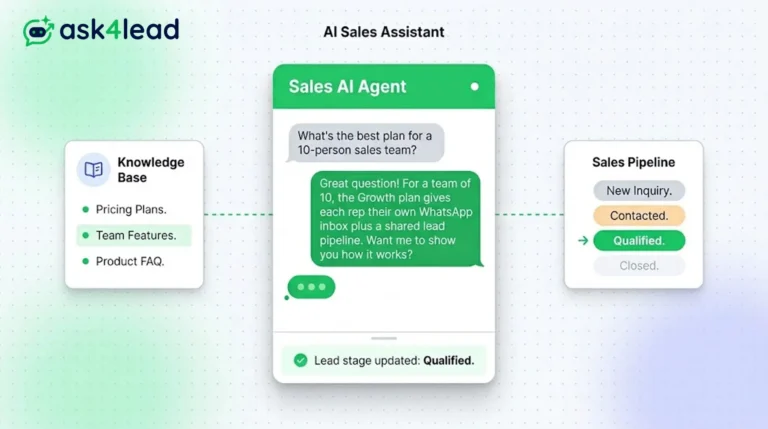
Our AI Sales Assistant reads WhatsApp messages, checks your knowledge base & replies 24/7 turning every chat into a qualified lead.
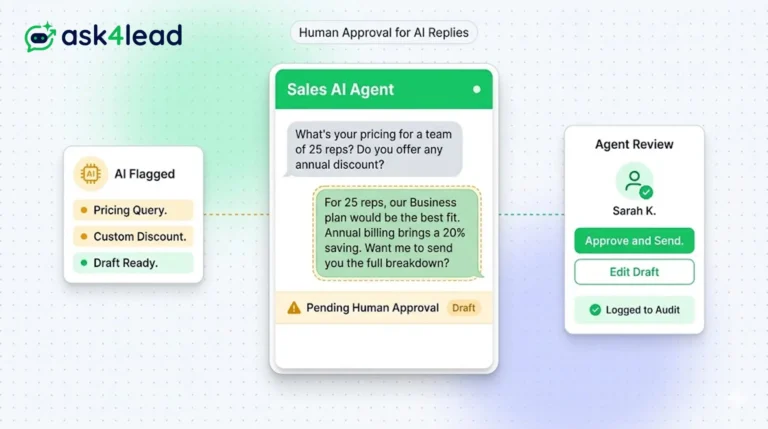
Human Approval for AI Replies
Our CRM requires human approval for AI replies whenever confidence is low. You can review, edit, and approve drafts before the customer sees them.
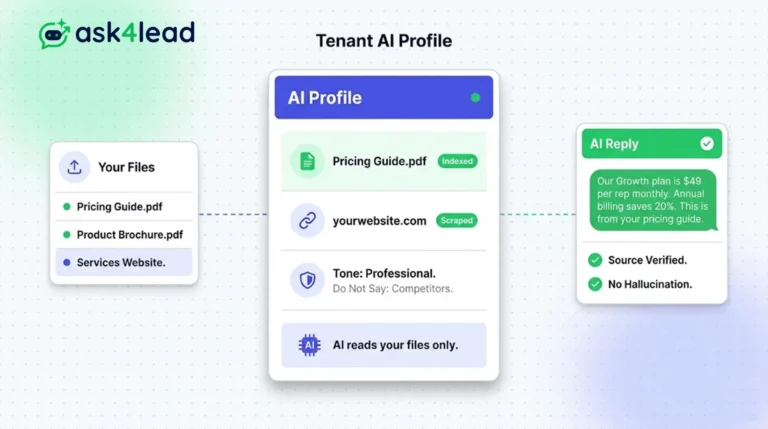
Tenant AI Profile
Tenant AI Profile ensures your WhatsApp assistant speaks exactly like your brand. You upload your documents, and the AI uses only that knowledge.