
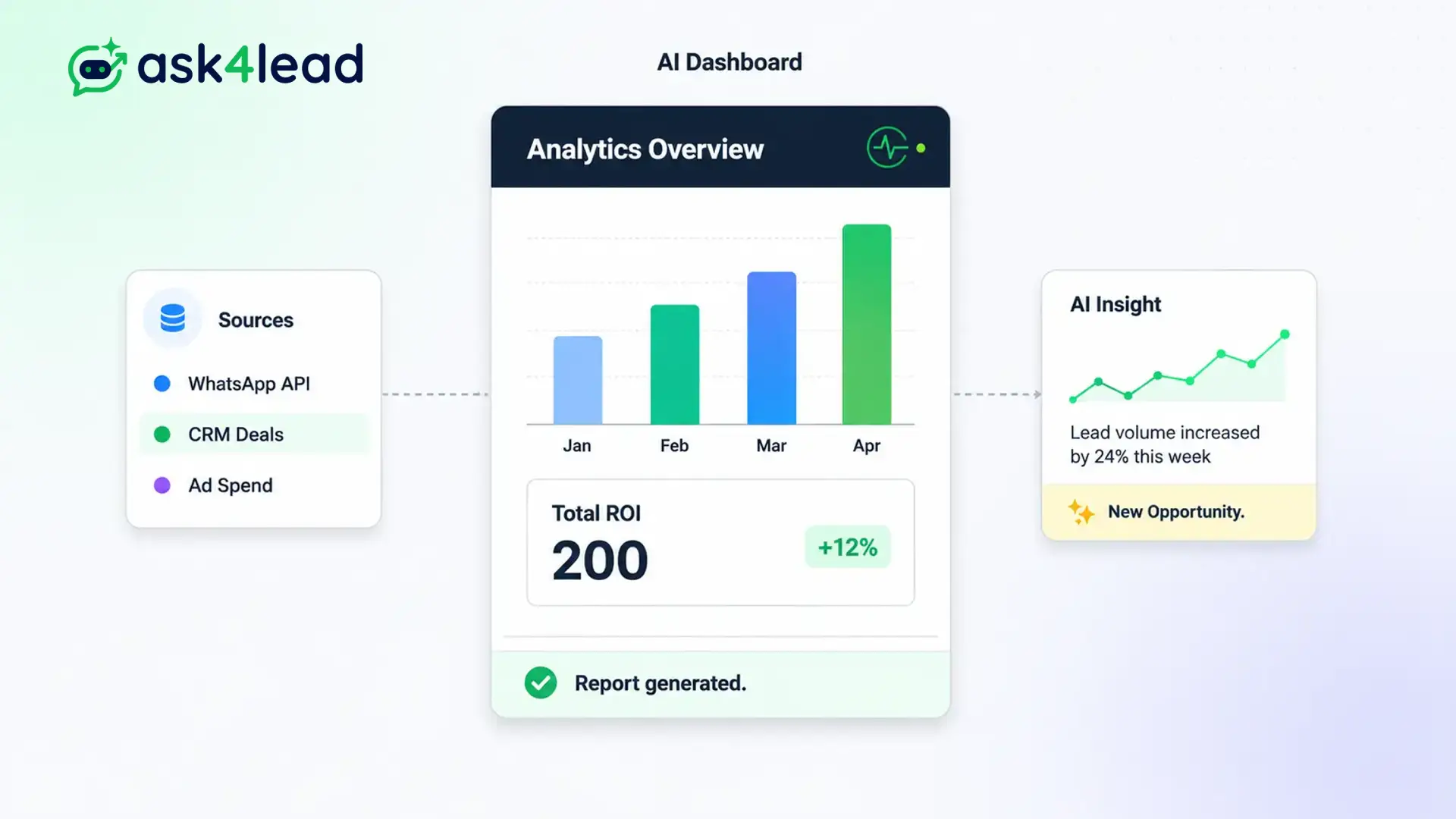
Deploying automation requires complete transparency to ensure a positive return on investment.
Our dashboard isolates the performance of your AI bot from your human agents. This ensures you know exactly who is closing deals.
Track deflection rates, monitor low-confidence queries, and see exactly how many hours of human labor the AI saved your business this week.
See the math. Prove the value of your automation.
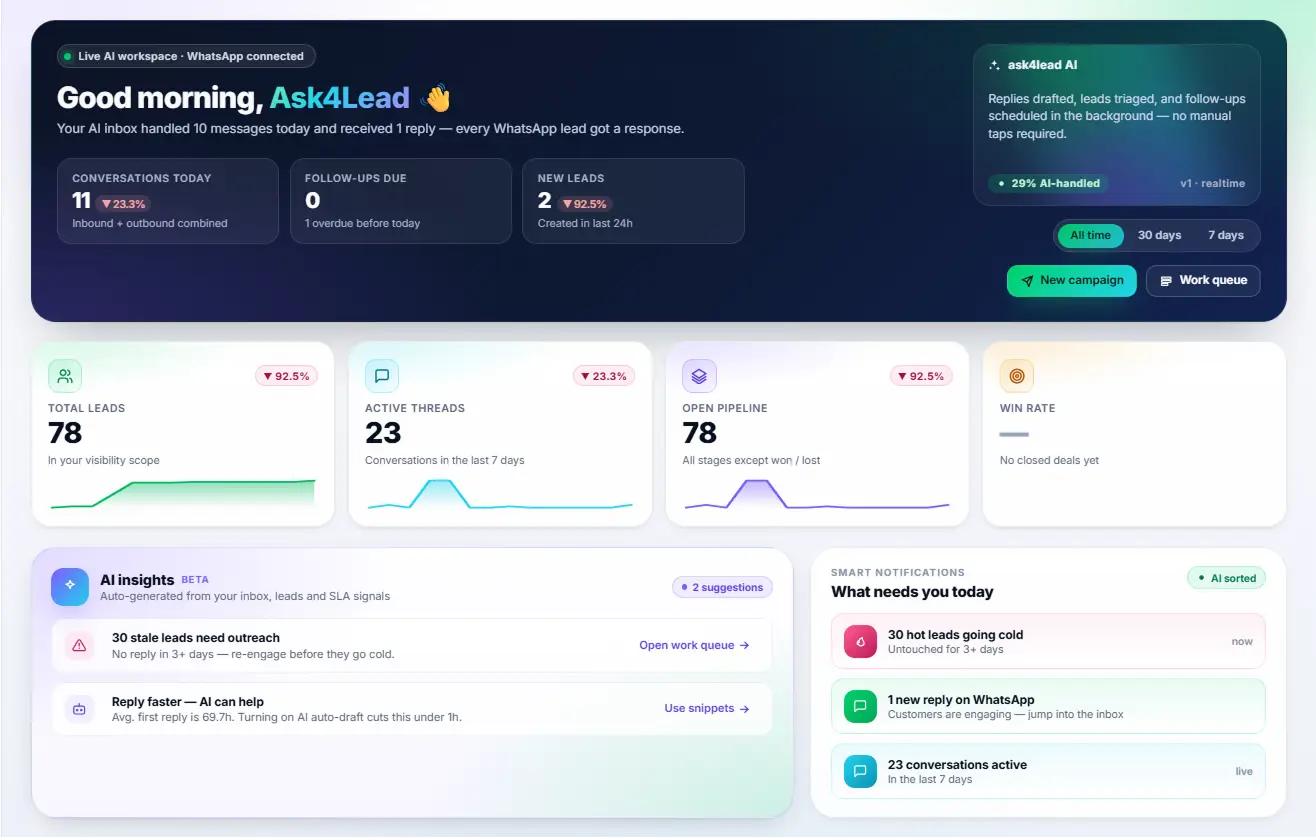
Why You Need an WhatsApp AI Sales Dashboard
Deploying AI without tracking its performance is dangerous.
You need to know if the assistant is successfully answering questions or if it is constantly handing off confused customers to your human team. This dashboard isolates the performance of your bot from your human agents.
It provides clear, undeniable metrics proving the return on your software investment.
Stop Wondering if Your AI is Actually Helping
Many businesses deploy chatbots but never update them. They do not realize the bot is failing to answer 40% of customer questions.
Without data, you cannot improve the bot’s knowledge base. Your customers remain frustrated, and your sales suffer.
Key Insight: Ask4Lead explicitly flags every question the AI struggled to answer. You can see the gaps in your knowledge profile instantly and fix them before another customer asks.
How to Optimize Your AI, Step by Step
Improving your AI Assistant takes only a few minutes a week:
- Open the dashboard: Navigate to the AI overview in your analytics menu.
- Check deflection rate: See what percentage of chats the AI handled completely on its own.
- Review handoffs: Look at the exact conversations where the AI asked a human to take over.
- Identify gaps: Notice if customers are asking about a new product you forgot to add to the catalog.
- Update the profile: Add the missing information to the Tenant AI Profile so the bot learns it instantly.
Core Capabilities of the AI Dashboard
Our tracking tools are built specifically for conversational AI:
- Monitor “Deflection Rate” the total percentage of chats resolved without human intervention.
- Track “Qualification Rate” how many leads the AI successfully advanced to the next pipeline stage.
- View a log of “Low Confidence” answers so you can approve them manually and train the system.
- Calculate the exact number of human labor hours saved based on the volume of AI messages sent.
- Monitor AI usage limits and token consumption to manage your billing effectively.
- Filter performance data by specific days or marketing campaigns.
Blind Automation vs. WhatsApp AI Sales Dashboard
| Standard “Set and Forget” Bots | Ask4Lead WhatsApp AI Sales Dashboard |
| Provides zero feedback on failures | Highlights exact questions the AI failed to answer |
| Cannot prove ROI to management | Calculates exact human hours and money saved |
| Difficult to know when to update | Clear metrics prompt you when training is needed |
| Treats all chats equally | Separates AI performance from human agent performance |
How the Dashboard Connects to Your CRM
The AI Dashboard tracks the output of the AI Sales Assistant. It shows you exactly where you need to update the Tenant AI Profile and highlights how many tasks it pushed to the Human Approval queue.
- AI Sales Assistant: The conversational engine whose performance is being tracked here.
- Tenant AI Profile: The knowledge base you will update based on the data you see in this dashboard.
- Human Approval: The metric showing how often the AI asked for help from a human agent.
Teams That Maximize AI Analytics
- Operations Managers use it to prove that investing in software is cheaper than hiring five more support reps.
- Sales Directors use the qualification metrics to see how many hot leads the bot generated overnight.
- Marketing Teams monitor what questions customers ask most frequently after clicking a specific ad.
- IT Administrators monitor AI token consumption to ensure the company stays within its software budget.
FAQs
What does “Deflection Rate” actually mean?
Deflection rate refers to the percentage of inbound WhatsApp conversations that the AI successfully answered and closed without ever needing to alert a human agent.
How does the dashboard know the AI made a mistake?
The system flags conversations where the AI explicitly stated its confidence was low, or where the customer became frustrated and demanded to speak to a human representative.
Can I export these AI reports?
Yes. You can export the AI performance metrics as a CSV file to combine with your other monthly business reports.
Does it track out-of-hours performance?
Absolutely. The dashboard clearly shows how many conversations the AI handled during the night or on weekends while your human staff was asleep.
Can I see the exact chats where the AI failed?
Yes. Clicking on the “Handoffs” metric opens a filtered list of the exact WhatsApp threads where the AI struggled, allowing you to read the context immediately.
Is this different from the main analytics dashboard?
Yes. The main Reports and Analytics dashboard focuses on your human team and pipeline revenue. The AI Dashboard focuses exclusively on the performance and health of the bot.
Related Features

WhatsApp Campaigns
Send approved WhatsApp templates to opted-in customers, straight to the chat app they already use, and handle every reply in one shared inbox.

Launch AI Email Campaign in WhatsApp
Run personalized email campaigns where AI writes a unique subject and body for each recipient, sent across multiple mailboxes for better deliverability.

WhatsApp Templates
If you want to initiate a chat with a customer or run a bulk campaign, you must use pre-approved WhatsApp message templates. Ask4Lead makes this complex approval process simple.